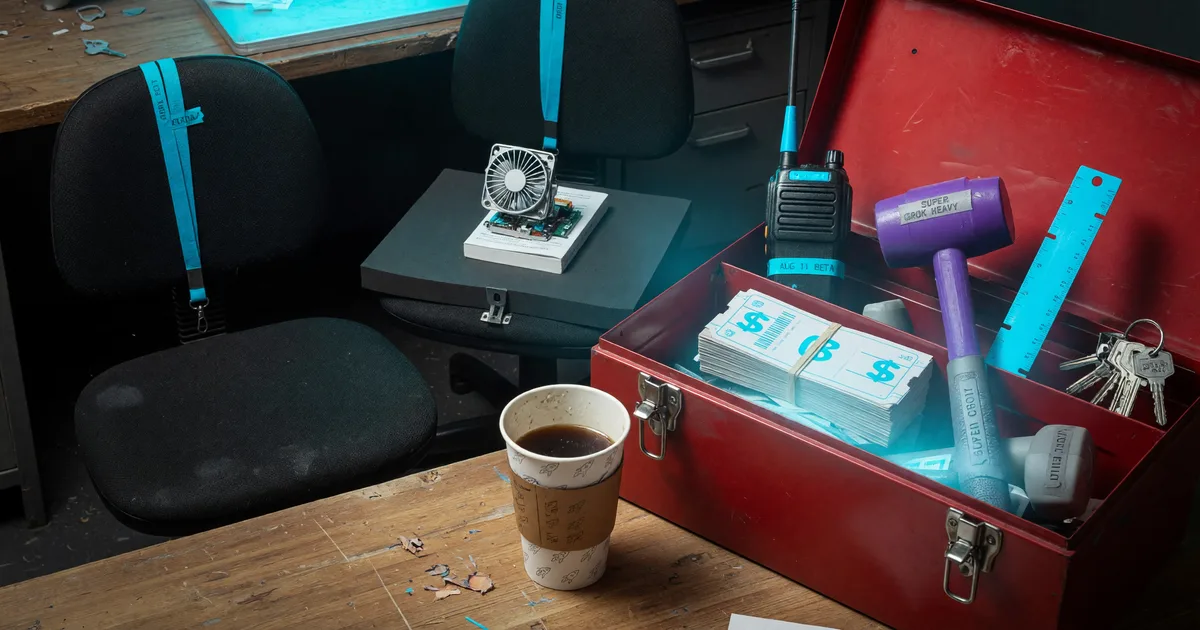
What Grok Bot Is and Who Can Use It
Grok Bot is xAI's always-on teammate with its own cloud computer. Who can use the Aug 11 beta, what it costs, and how it differs from Grok chat and Grok Build.
Paid subscribers on three top-tier plans can now hand recurring work to an agent that keeps running after they log off. On August 11, 2026, the company behind Grok published an early-beta post for Grok Bot and described teammates that live on a cloud computer instead of inside a chat tab you have to keep open.
The announcement states, "Grok Bot is your team of always-on agents. They have their own computer, work inside tools and apps like you do, and keep working 24/7." The same introducing Grok Bot post says the bots sign into the tools you already use, work across apps and inboxes, finish jobs end to end, and only come back when something needs approval. You message them the way you would text a colleague, then pick up the same thread later on desktop or iPhone.
This guide is for someone who has heard the name and needs the access list, the prices, and the difference from Grok chat and Grok Build before spending an afternoon in the wrong app. Nothing here is a hands-on review. Every feature and price below comes from the August 11 news post and from the Grok Bot product page as it stood on August 17, 2026.
Always-on cloud teammates
The launch post leads on the computer. The company writes that bots share a computer of their own in the cloud, so jobs do not stall when you step away. They can sign in and work across apps, tools, and websites, including platforms with no clean API or MCP, and come back with the work finished. If you only know chatbot products, this is the piece that changes the job: the agent keeps working after you close the laptop.
The announcement also states, "Bots have their own computer. They sign into the tools you already use and work across apps, inboxes, and more." Getting started, the post says, is a message rather than a workflow builder. You can message a bot from your phone or desktop, the way you would text someone on your team, and pick up the same thread later on either surface. Other tools may ask you to set up routines first. With Grok Bot, the documented path is to message a bot to take on a task.
Routines arrive by demonstration. The company describes asking a bot to follow along the next time you do a job. It watches the steps, remembers how you like the work done, saves the workflow as a routine, takes your corrections, and runs it on its own next time. The sequence exists so you do not re-explain a multi-step process every Monday.
Internal SpaceXAI examples on the same page show a sales bot updating a CRM from call transcript notes and drafting follow-ups, an ops bot seating new hires and processing invoices received in Gmail, and an engineering bot reproducing a bug in the product UI, filing the ticket, and handing the fix to a debugging bot. Treat those as vendor testimonials from the lab that built the product, not as independent case studies. Roman, a product staffer quoted on the launch page, said, "There is a huge difference between 90% done and 100% done." Those lines sit on the company's own news post.
Eligible paid plans
Access decides whether any of the rest applies to you. The August 11 post lists the early beta as available today for SuperGrok Heavy, Cursor Ultra, and Cursor Teams Premium subscribers on desktop and iOS. Enterprise users can join a waitlist. If you already pay for Ultra or Heavy, Grok Bot is included. Regular SuperGrok, a free grok.com account, and a standard Cursor seat are not on that list.
The company lists Cursor Ultra at $200 per month, SuperGrok Heavy at $300 per month, and Cursor Premium Teams at $120 per seat per month on the product page. Those are the published list prices as of August 17, 2026. The team-plan name on the news post is Cursor Teams Premium; the product page uses Cursor Premium Teams. Both pages point at the same paid team seat.
| Plan | Published price | Bot access |
|---|---|---|
| Cursor Ultra | $200/month | Included |
| SuperGrok Heavy | $300/month | Included |
| Cursor Premium Teams | $120/seat/month | Included |
| Enterprise | Waitlist | Sales form |
The announcement and the product page list paid plans only. A free grok.com login does not unlock a bot. Enterprise is a waitlist, not a checkout button. The news post sends companies to Cursor's Grok Bot sales form. A Cursor team that is not already on the premium team tier should not expect the bot to appear after a standard seat change.
Multi-bot group chat
The launch post describes people inside SpaceXAI running several bots in parallel, with one bot to manage the others. A chief of staff sits on top, with a specialist for each lane: inbox management, expenses, recruiting, bug fixes, or operations. The documented pitch is a small team that can work in parallel so you are not the middleman pasting notes between chats.
Bots can independently message each other and share context in threads. When projects overlap, the post says they stay aligned on the same account or project. You can also place bots in a group chat where they pass work, assign ownership, and only pull you in for judgment calls. Treat the group-chat stories the same way as the sales and ops examples: in-house testimonials on the launch page.
For a first week, one bot with a single lane is the setup the announcement itself starts you on: create your first teammate, then start handing off work. Adding a chief-of-staff bot on day one is an internal pattern the company published, not a required configuration.
Chat versus Build
Three different xAI surfaces now share the Grok name, and mixing them up is the fastest way to buy the wrong thing. Grok on grok.com is the chatbot: conversation, search, and media generation in a tab. Grok Build is the terminal coding agent, with plan mode and a curl installer on x.ai/build. Grok Bot is the always-on teammate with a cloud computer, gated to the three paid plans above.
A SuperGrok Heavy subscriber can hold all three. A free grok.com user can open chat, and may be able to try Grok Build on the terms listed on its own product page, without getting a bot. Cursor Ultra bundles the bot because the Mac build is served from downloads.cursor.com and the qualifying Cursor plans are named on both the news post and the pricing page.
If the job is a question you want answered in a thread, stay in Grok chat. If the job is a repository you want an agent to edit from your shell, open Grok Build. If the job is a process that should keep moving after you close the laptop, and you already pay for Heavy, Ultra, or the premium Cursor team seat, the August 11 post is selling the bot.
First teammate download
Confirm the plan first. Open the billing screen for SuperGrok Heavy, Cursor Ultra, or Cursor Premium Teams. If none of those names appear, stop and change the plan before you hunt for an app. People already on Ultra or Heavy do not buy a fourth SKU; the pricing page lists the bot as included.
On a Mac, the news post's download button points at Grok_Bot_0.18.0.dmg, a darwin-arm64 build hosted on downloads.cursor.com. Install that file, sign in with the same account that holds the qualifying plan, and create the first teammate from the in-app prompt. The August 11 post also names iOS as a surface that shares the desktop thread, so a phone can pick up a job you started at the desk.
Companies that need a fleet rather than a personal beta should use the enterprise waitlist form instead of the dmg. The consumer path and the sales path are different doors.
Once the app is open, keep the first job small and specific: a CRM note, an inbox sweep, a bug you can describe in one paragraph. The documented interface is a normal message, not a workflow canvas. If SuperGrok Heavy or Cursor Ultra already shows on the account, download the desktop build, create the first teammate, and send that first job as a normal message.
Keep reading
 News
News
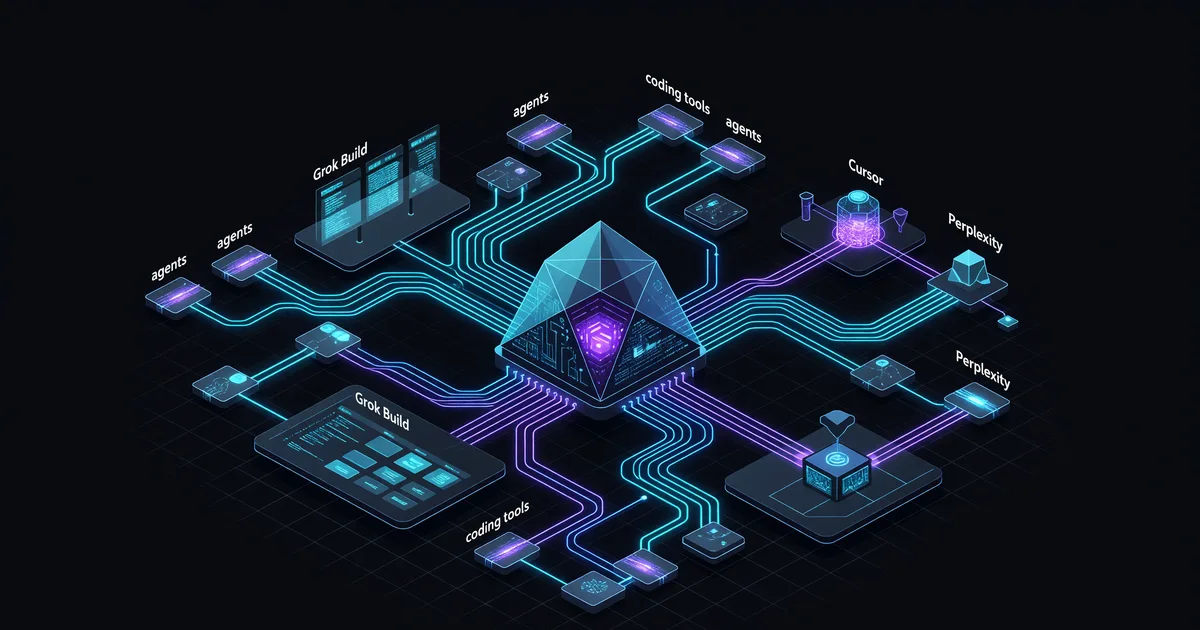
Grok 4.5 Drops: xAI's Opus-Class Coding Model
xAI launched Grok 4.5 on July 8 as an "Opus-class" model for coding and agents—now default in Grok Build and live in Cursor and Perplexity.
 News
News
Cursor for iOS: AI Coding Agents Now Mobile
Cursor launched a native iPhone and iPad app on June 29, 2026 to start and steer cloud coding agents from anywhere. Here's what it does.
 News
News
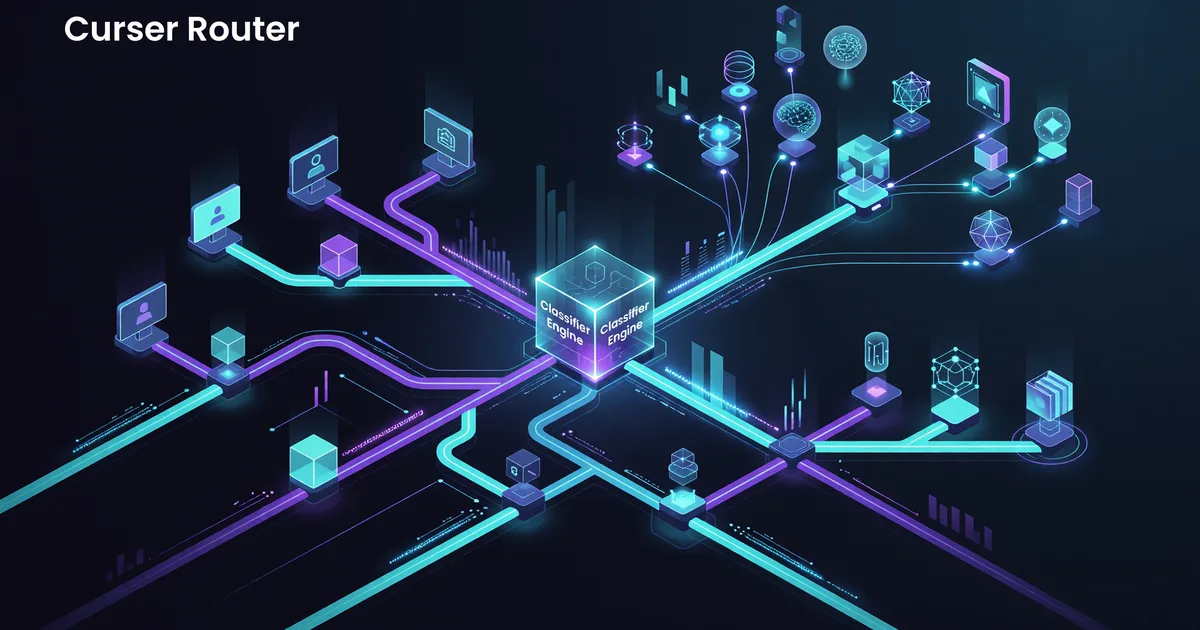
Cursor Router Launches Smart Model Routing for Teams
Cursor Router picks a model per coding request and claims up to 60% cost cuts for Teams and Enterprise. Here's how the classifier works.