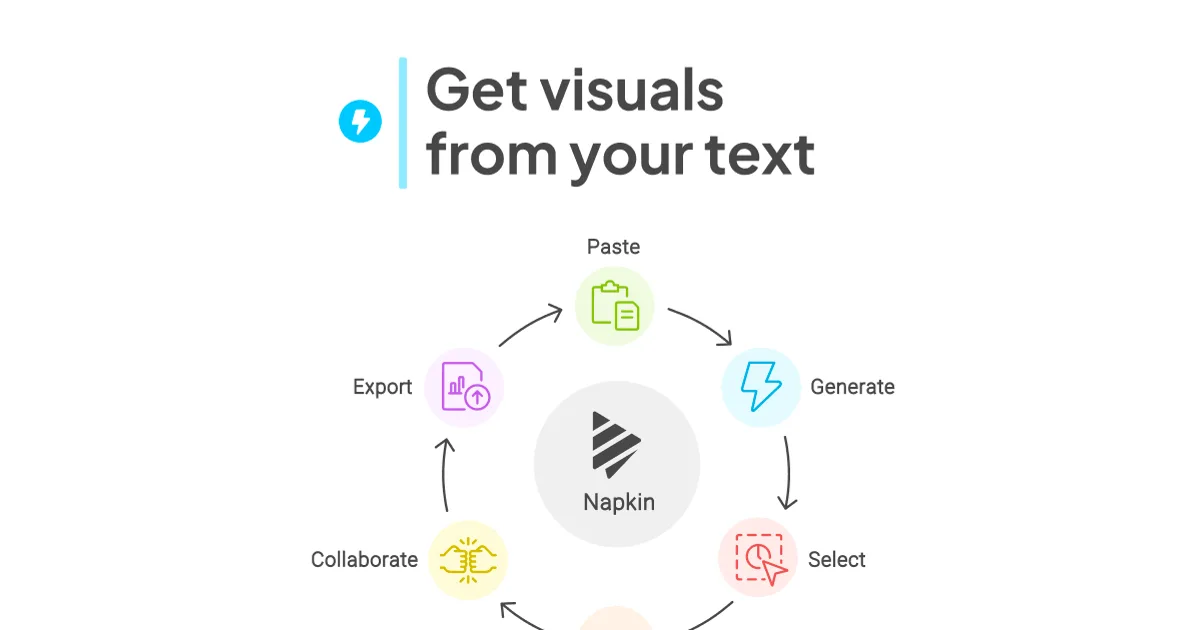

Napkin AI
Turns your text and notes into polished visual diagrams, flowcharts, and infographics in seconds — no design skills needed.
Updated 2026-03-15
Yes, within limits. Napkin AI runs a free tier with paid plans above it.
Listed pricing: Free tier + Pro plan (check site for current pricing).
Overview
Napkin AI does one specific thing really well: it reads your text and automatically generates visual representations of the ideas inside it. Paste in a paragraph about a business process, a list of steps, or a set of comparisons, and Napkin surfaces multiple diagram options — flowcharts, timelines, concept maps, and more — that you can drop directly into a presentation or document.
It's built for knowledge workers who spend time turning written ideas into slides and reports. Consultants, product managers, and educators are the core audience — people who have plenty of content but hit a wall when it comes to making that content visual. The tool removes the usual friction of opening a diagramming app, dragging boxes around, and fiddling with connectors. You write, it draws.
What sets Napkin apart from general-purpose tools like Notion AI or even Canva's AI features is its singular focus on the text-to-visual pipeline. It doesn't try to do everything — and that focus shows in the quality of its outputs. The main limitation is that its visuals have a recognizable house style; brand-heavy teams or designers wanting full creative control will hit the ceiling quickly.
Is Napkin AI free?
Yes, within limits. Napkin AI runs a free tier with paid plans above it.
What the free tier covers: Limited generations per month with access to core features — enough to evaluate the tool but restrictive for daily use.
Listed pricing: Free tier + Pro plan (check site for current pricing).
Pricing verified . That is the date the plans were last re-checked against the vendor's own pages, not today's date. Confirm on the official site before you pay.
What the free tier leaves out
Read straight off the plan list below. Vendors move features between tiers, so check the current split before you pay.
- Pro Check website Unlimited generations, all visual types, SVG/PDF export, priority processing, custom styles
Napkin AI pricing
| Plan | Price | What's included |
|---|---|---|
| Free | $0/mo | Limited visual generations per month, core diagram types, PNG export |
| Pro | Check website | Unlimited generations, all visual types, SVG/PDF export, priority processing, custom styles |
Limited visual generations per month, core diagram types, PNG export
Unlimited generations, all visual types, SVG/PDF export, priority processing, custom styles
One plan carries no published number: Pro, recorded as “Check website”. Nothing is estimated in its place. The vendor's own pricing page is the only source for those figures.
Pricing verified . That is the date the plans were last re-checked against the vendor's own pages, not today's date. Confirm on the official site before you pay.
Is Napkin AI worth it?
Worth it for Consultants, product managers, and educators who need to turn written text into polished diagrams and infographics without design skills.
You can test that on the free tier before paying anything. The recorded trade-offs are listed below, and any one of them can settle the question on its own.
The 7.8/10 AI Score is an editorial read of published capability, price and shipping pace. Nobody here has hands-on hours with Napkin AI. How we verify.
Worth it if
The strengths recorded against this entry.
- Fastest path from written idea to finished diagram
- No design skill or diagramming experience required
- Consistently suggests the right visual format for the content type
- Outputs look polished enough to drop directly into presentations
Not worth it if
Any one of these blocks your use case.
- Visuals have a recognizable house style — limited creative flexibility
- Free tier is quite restrictive for regular use
- Doesn't integrate with major apps (Notion, Google Docs) natively
- Complex multi-part diagrams sometimes need significant manual cleanup
What sets Napkin AI apart
- Single-purpose text-to-visual pipeline instead of a general design tool
- Automatically detects structure in writing and suggests the matching diagram type
- One-click style and color theme switching without manual formatting
Key features
Text-to-Visual
Paste any text — a paragraph, bullet list, or outline — and Napkin generates multiple visual interpretations automatically. It identifies structure in your writing (steps, comparisons, hierarchies) and maps it to the most appropriate diagram type.
Multiple Visual Types
Outputs include flowcharts, timelines, mind maps, comparison tables, process diagrams, and concept visuals. The AI chooses the best format but lets you switch between alternatives.
One-Click Styles
Apply different visual styles and color themes to any diagram with a single click, making it easy to match your brand or presentation aesthetic without manual formatting.
Export & Share
Export visuals as PNG, SVG, or PDF for use in slides, docs, and social media. Shareable links allow collaborators to view and comment without needing an account.
How it compares
| Tool | Best for | Pricing | Score |
|---|---|---|---|
| Napkin AI | Consultants, product managers, and educators who need to turn written text into polished diagrams and infographics without design skills. | Free tier + Pro plan (check site for current pricing) | 7.8/10 |
| Grok Bot | Anyone who wants an always-on teammate that signs into real apps, finishes work end to end, and only pings you for approval. | Included on eligible Cursor ($20+/mo), SuperGrok ($30+/mo), and Cursor Teams ($40+/seat/mo) plans. Product page also lists a Get started for free path. | 9.6/10 |
| Notion AI vs Notion AI → | Notion users who want an assistant that already knows their pages, databases, and documents for summaries and answers. | From $10/mo | 9/10 |
| Zapier | Teams that need to connect many SaaS apps and build automations from a plain-English description instead of manual setup. | Free tier + Professional from $19.99/mo + Team from $69/mo + Enterprise contact | 8.9/10 |

Compare head-to-head
Comparison explorer Put Napkin AI up against any three tools Opens with Napkin AI already loaded. Add up to three more from the full index and read pricing, features, pros and cons in one table. →Related reading

Anthropic Traced More Than 23 Million Exchanges
Anthropic attributed more than 23 million exchanges to Moonshot between May and July in its September 2026 threat intelligence report.

23 Million Exchanges in Anthropic Misuse Report
Anthropic published its September 2026 threat intelligence report covering misuse cases disrupted between December 2025 and August 2026.

DeepSeek Flash KV Cache at 890 Bytes per Token
DeepSeek V4.1-Flash posts 90.6 on Terminal-Bench 2.1 against GPT-5.6 Sol at 88.8 while cutting KV cache to 890 bytes per token.
Ready to try Napkin AI?
Head to the official site to start with Napkin AI — pricing and plans are listed above.
Visit Napkin AI