Grammarly
AI writing assistant that goes beyond grammar checking. Now with generative AI features for rewriting, tone adjustment, and content generation directly in your browser and apps.
Updated 2025-05-01
Yes, within limits. Grammarly runs a free tier with paid plans above it.
Listed pricing: Freemium.
Overview
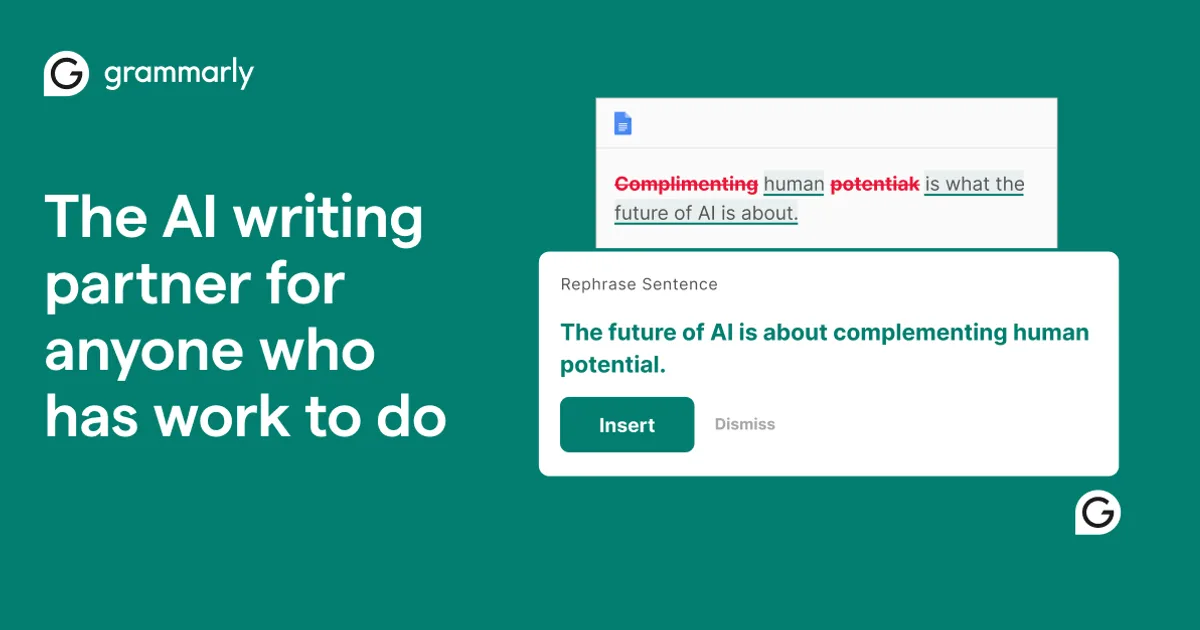
Grammarly has evolved from a grammar checker into a comprehensive AI writing assistant. Its generative AI features now include full content generation, tone adjustment, and rewriting capabilities that work everywhere you write — from email to docs to social media.
The browser extension and deep integrations mean Grammarly works invisibly across your workflow, catching errors and suggesting improvements in real time without switching apps.
Is Grammarly free?
Yes, within limits. Grammarly runs a free tier with paid plans above it.
What the free tier covers: Basic grammar and spelling checks free forever.
Listed pricing: Freemium.
Pricing verified . That is the date the plans were last re-checked against the vendor's own pages, not today's date. Confirm on the official site before you pay.
What the free tier leaves out
Read straight off the plan list below. Vendors move features between tiers, so check the current split before you pay.
- Premium $12/mo Advanced suggestions, tone, rewrites, generative AI
- Business $15/mo/member Team features, style guides, analytics
Grammarly pricing
| Plan | Price | What's included |
|---|---|---|
| Free | Free | Basic grammar and spelling checks |
| Premium | $12/mo | Advanced suggestions, tone, rewrites, generative AI |
| Business | $15/mo/member | Team features, style guides, analytics |
Basic grammar and spelling checks
Advanced suggestions, tone, rewrites, generative AI
Team features, style guides, analytics
Pricing verified . That is the date the plans were last re-checked against the vendor's own pages, not today's date. Confirm on the official site before you pay.
Is Grammarly worth it?
Worth it for Writers and teams who want real-time grammar checking, tone adjustment, and AI rewriting across every site and app via a browser extension.
You can test that on the free tier before paying anything. The recorded trade-offs are listed below, and any one of them can settle the question on its own.
The 9/10 AI Score is an editorial read of published capability, price and shipping pace. Nobody here has hands-on hours with Grammarly. How we verify.
Worth it if
The strengths recorded against this entry.
- Works everywhere via browser extension
- Most accurate grammar checking available
- Excellent tone detection and adjustment
- Generous free tier
Not worth it if
Any one of these blocks your use case.
- Generative AI features require Premium
- Can be overly aggressive with suggestions
- Privacy concerns with cloud processing
- Premium pricing adds up for teams
What sets Grammarly apart
- Works everywhere through a browser extension for Chrome, Firefox, Safari, and Edge
- Tone analysis and adjustment across formal, friendly, persuasive styles
- Basic grammar and spelling checks free forever
- Generative AI content generation and rewriting gated behind Premium
Key features
Grammar
Grammar, spelling, and punctuation checking with contextual suggestions.
Tone
Analyze and adjust the tone of your writing. Shift between formal, friendly, persuasive, and more.
Browser Extension
Works across every website and app via browser extension. Available for Chrome, Firefox, Safari, and Edge.
How it compares
| Tool | Best for | Pricing | Score |
|---|---|---|---|
| Grammarly | Writers and teams who want real-time grammar checking, tone adjustment, and AI rewriting across every site and app via a browser extension. | Freemium | 9/10 |
| DeepL vs DeepL → | Businesses and individuals translating text and documents across European languages who need natural phrasing and consistent brand terminology. | Freemium — Free tier + Starter €8.74/mo | 9/10 |
| Writer vs Writer → | Enterprise content and marketing teams needing on-brand, compliance-governed content plus no-code AI agent workflows. | From $18/user/mo, Enterprise custom | 8.7/10 |
| Jasper AI vs Jasper AI → | Marketing teams that need on-brand ads, blog posts, and social content produced at scale with built-in collaboration. | Pro $69/mo monthly or $59/mo yearly + Business custom | 8.6/10 |


Learn to use Grammarly
Step-by-step, each one stamped with the date it was last checked against the docs.
Compare head-to-head
Related reading

DeepInfer Setup From DeepSeek's GitHub Drop
Get DeepSeek's open DeepInfer stack running from GitHub: the short install path, the breaks that stop you, and when to skip local inference.

Sol vs Flash: The Affordability Claim, Audited
An audit of the Oct 20 inference-stack affordability promise against GPT-5.6 Sol’s hosted cost lane and what public materials still leave out.

Check if a photo, clip, or audio is AI with SynthID Detector
Upload the best-quality file to SynthID.com. Detected means a SynthID model likely made or edited it. Not detected does not prove a person made it.
Ready to try Grammarly?
Head to the official site to start with Grammarly — pricing and plans are listed above.
Visit Grammarly