How to Use Grok Voice Agent Builder: No-Code Tutorial
A step-by-step, no-code walkthrough of xAI's Grok Voice Agent Builder beta — from first agent to a live phone number.
xAI shipped Grok Voice Agent Builder in beta on July 1, 2026, and the pitch is refreshingly narrow: build a production phone agent — persona, call logic, tools, guardrails, and telephony — inside a visual console, without stitching together a speech-to-text model, an LLM, and a text-to-speech voice yourself. It runs on xAI's own Grok Voice engine end to end, and pricing starts at $0.05 per minute of agent runtime (per xAI's launch materials).
This is a no-code walkthrough of that workflow, built from xAI's official announcement (x.ai/news/grok-voice-agent-builder) and the tool's published feature set. One honest caveat up front: this is a beta, and beta UIs move. The exact button labels, panel names, and menu placement in the console may differ from what you read here by the time you log in. Treat the structure below as the durable part — sign in, define, connect, test, deploy, monitor — and let whatever labels are actually in front of you win any conflict.
What you're actually building
A voice agent is a program that answers or places a phone call, listens, decides what to say, optionally calls out to your systems (look up an order, book a slot, check availability), and speaks back — all in real time, with no human on the line. Historically you'd assemble this from three or four vendors: a transcription model, a reasoning model, a TTS voice, and a telephony provider like Twilio to reach the phone network.
What Grok Voice Agent Builder collapses is that assembly. The reasoning and the voice both come from xAI's Grok Voice stack, the builder handles the call-flow logic, and telephony is wired in through the same console. For anyone who has felt the pain of gluing four dashboards together, that consolidation is the whole point. It's the same category Bland AI, Vapi, and Retell AI compete in — the difference is that xAI owns the model underneath rather than reselling someone else's.
Before you start: what you need
- An xAI console account at console.x.ai. If you've used the Grok API, it's the same login.
- A payment method on file. There's no free tier — billing is usage-based from the first minute, so add a card before you expect live calls to connect.
- A concrete job for the agent. "Book dentist appointments," "qualify inbound leads," "handle tier-1 support triage." Voice agents fail when the goal is vague; nail the job before you touch the builder.
- Any backend the agent needs to reach — a booking API, a CRM endpoint, an order-lookup URL. You can ship a talk-only agent without these, but the useful ones call out to real systems.
Step 1 — Create your first agent
Sign in at console.x.ai and open the Voice Agent Builder section. Create a new agent and give it a name that describes its job, not its personality — "Support Triage Bot" beats "Grok Assistant" when you're staring at a list of twelve of them six weeks from now.
At this point you have an empty agent shell. Nothing is live, nothing is billing. The console is where you'll define behavior, attach tools, test, and eventually connect a number. Poke around the layout before you build — knowing where the test panel and the deploy control live saves you backtracking later.
Step 2 — Write the persona and system prompt
This is the single highest-leverage step, and it's pure writing — no code. The system prompt defines who the agent is, what it's trying to accomplish, what it should never do, and how it should sound. A weak prompt here can't be rescued by any amount of tooling downstream.
Be concrete and bounded. A usable starting structure:
You are the appointment scheduler for Riverside Dental. Your only job is to book, reschedule, or cancel appointments. Confirm the caller's full name and date of birth before making any change. If a caller asks about billing, insurance, or clinical questions, say you'll transfer them to the front desk and end the call. Keep replies to one or two sentences. Never invent availability — always check the calendar tool first.
Notice what that does: it scopes the agent tightly, names an explicit escalation path, and forbids the most common failure mode (making up information). Voice agents that ramble or improvise facts are the ones that generate angry callbacks. The prompt is your first and best guardrail.
Step 3 — Pick a voice and tune how it talks
Grok Voice is the engine, and the builder exposes voice selection alongside it. Choose a voice that fits the context — a calm, measured voice for healthcare or support; something brighter for outbound sales. If the console surfaces controls for speaking rate or interruption handling (the ability to stop talking the moment a caller jumps in), tune those too. Natural turn-taking is what separates an agent that feels human from one that talks over people, and low latency is exactly the thing xAI is claiming its single-stack approach buys you.
My read: latency and interruption handling matter more than voice timbre. A gorgeous voice that takes 1.5 seconds to respond, or that steamrolls the caller, feels worse than a plain voice that reacts instantly. Test for responsiveness before you fuss over which voice sounds nicest.
Step 4 — Add tools so the agent can do things
A talk-only agent is a demo. A useful one takes actions — checks a calendar, looks up an order, writes a lead into your CRM. In the builder, this is where you connect external tools or functions: you point the agent at an API endpoint, describe what it does in plain language, and specify what information the agent should collect before calling it.
The plain-language description is what the model reads to decide when to use the tool, so write it the way you'd brief a new hire: "Use check_availability to find open appointment slots. Requires a preferred date. Returns a list of available times." Keep each tool doing one clear thing. Agents get unreliable fast when a single tool tries to do five jobs, or when two tools have overlapping, fuzzy descriptions and the model can't tell which to call.
Step 5 — Set guardrails and escalation
Guardrails are the rules that keep a live agent from going somewhere it shouldn't. Some of this you've already handled in the system prompt; the builder typically layers additional controls on top. Think through:
- Topic boundaries — what's out of scope, and what the agent says when a caller pushes there anyway.
- Human handoff — the explicit condition that ends the AI's turn and transfers to a person or takes a message. Every serious agent needs one.
- Verification rules — for anything sensitive, require the agent to confirm identity before acting.
- Call-length and loop protection — a graceful way to end a call that's going in circles, so nobody gets trapped with a bot.
Guardrails aren't paperwork. On a real phone line the agent will meet confused callers, angry callers, and people trying to jailbreak it for fun. The boundaries you set here are what stand between "handled it" and a screenshot on X.
Step 6 — Test before anything goes live
Use the console's test mode to talk to the agent before you connect a real number. Don't just run the happy path. Deliberately try to break it:
- Interrupt mid-sentence — does it stop and listen, or keep talking?
- Go off-topic — does it redirect, or follow you down a rabbit hole?
- Ask for something it shouldn't do — does the guardrail actually fire?
- Give incomplete information — does it ask for what's missing before calling a tool?
- Trigger the handoff condition — does it escalate cleanly?
Every failure you catch in test mode is one that doesn't happen to a paying customer on a billed call. This is the step people skip and regret. Budget real time for it.
Step 7 — Connect telephony and deploy
Once the agent behaves, connect it to a phone number so it can take inbound calls or place outbound ones, then deploy. From here, calls are live and metered — billing runs against actual runtime. For outbound campaigns or embedding the agent into an existing system, xAI also exposes an API alongside the visual builder, so engineering teams can drive agents programmatically or wire them into a CRM or existing telephony setup rather than working purely through the console.
Start small. Point one low-stakes number at the agent, or run a limited outbound batch, before you route your entire support line through it. Beta software plus a live phone number plus real customers is not where you want to discover an edge case at scale.
Step 8 — Monitor, review, iterate
Deployment is the start, not the finish. Review call transcripts and recordings, watch where the agent stumbles, and feed what you learn back into the system prompt and tool descriptions. Common early fixes: tightening a vague instruction, splitting an overloaded tool, adding an escalation trigger you didn't anticipate, or adjusting how the agent confirms information. The best voice agents are the ones that get edited every week for the first month.
What it costs, and how to think about it
Pricing is usage-based from $0.05 per minute of agent runtime, per xAI's launch materials. That headline rate is competitive with the established players on paper. The honest caveat: it isn't fully clear from launch materials exactly what that per-minute figure bundles. In this category, telephony, model inference, and concurrency limits often live as separate line items, so a "$0.05/min" agent can carry additional costs depending on volume and how the number is provisioned.
Before you model call volume at any real scale, pull up the current pricing page in the console and confirm what's included. Do the math on a realistic month — if the agent handles 2,000 calls averaging four minutes, that's 8,000 minutes, and even small per-minute add-ons compound quickly.
How it stacks up, honestly
Grok Voice Agent Builder enters a crowded field. Bland AI, Vapi, and Retell AI have been shipping voice agents for a while and carry existing integrations and track records that a July 2026 beta simply doesn't have yet. On the emotional-expressiveness front, Hume AI has built its whole identity around voice that reads and responds to feeling. And if you only need high-quality synthesis rather than a full agent platform, ElevenLabs remains the reference point for voice quality.
xAI's differentiator is the single-vendor stack: one company owns the model, the voice, and the builder, which should mean tighter latency and one bill instead of four. That's a real advantage if the execution holds up. What we don't yet know — because the tool is days old — is real-world reliability, language coverage, and how the latency claims survive contact with production traffic. Nobody has run this at scale long enough to say.
The honest take: if you're already building on the Grok API, Voice Agent Builder is the path of least resistance and worth a pilot on a low-stakes line. If you're running mission-critical voice at volume today, the mature platforms still have the track record — but this is a category where xAI owning the whole stack could close that gap fast. Build a small agent this week, stress-test it in the console, and let its behavior on your actual use case decide, not the launch-day buzz.
Keep reading

How to Use Grok Build: xAI's CLI Agent Guide
Step-by-step guide to installing and using Grok Build CLI, now in expanded beta for SuperGrok and X Premium+ subscribers.

How to Use the Grok 4.3 API: 1M Token Tutorial
Step-by-step guide to xAI's Grok 4.3 API with 1M token context, tool calling, and long-context patterns for developers building agentic apps.
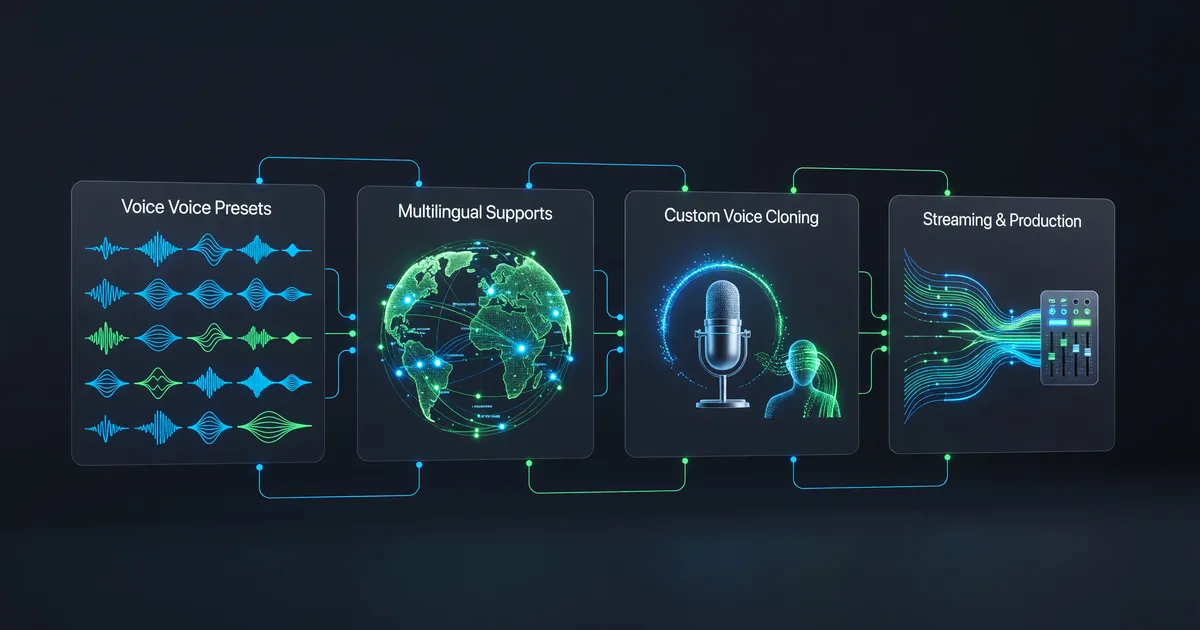
Grok Voice API: 80+ Voices, 28 Languages, One Guide
Explore Grok's expanded voice library with 80+ presets across 28 languages, plus custom cloning, streaming, and production integration patterns.