
Pika
AI video creation platform built for creators. Intuitive controls, fast rendering, and creative effects like Inflate 3D and Modify Region make it easy to bring ideas to life.
Updated 2026-10-13
Yes, within limits. Pika runs a free tier with paid plans above it.
Listed pricing: Free (packs only) + Starter $10/mo + Creator $35/mo + Fancy $95–$880/mo + Enterprise custom.
Overview
Pika makes AI video creation accessible to everyone with an intuitive interface and creative effects that are unique in the space. Features like Inflate 3D (turning 2D images into 3D scenes) and Modify Region (editing specific parts of a video) give creators tools that go beyond simple text-to-video.
The platform prioritizes speed and ease of use, making it popular among social media creators and casual users who want quick, creative video content without a steep learning curve.
Is Pika free?
Yes, within limits. Pika runs a free tier with paid plans above it.
What the free tier covers: 0 credits/month (packs only); all models; 2 video · 2 image + audio in parallel; no watermark; top-up credit packs available.
Listed pricing: Free (packs only) + Starter $10/mo + Creator $35/mo + Fancy $95–$880/mo + Enterprise custom.
Pricing verified . That is the date the plans were last re-checked against the vendor's own pages, not today's date. Confirm on the official site before you pay.
What the free tier leaves out
Read straight off the plan list below. Vendors move features between tiers, so check the current split before you pay.
- Starter $10/mo 900 credits/month; all models; 2 video · 8 image + audio in parallel; no watermark; no commercial license; no priority queue; no early access; billed monthly
- Creator $35/mo 3,150 credits/month; all models; 8 video · 32 image + audio in parallel; no watermark; commercial license; no priority queue; no early access; billed monthly
- Fancy $95–$880/mo 8,550 credits/month and up; all models; unlimited parallel generations; no watermark; commercial license; priority queue; early access to new models from $440/mo; billed monthly
- Enterprise Custom Custom credits/month; all models; unlimited parallel generations; no watermark; commercial license; early access to new models; dedicated support
Pika pricing
| Plan | Price | What's included |
|---|---|---|
| Free | Free | 0 credits/month (packs only); all models; 2 video · 2 image + audio in parallel; no watermark; no commercial license; no priority queue; no early access |
| Starter | $10/mo | 900 credits/month; all models; 2 video · 8 image + audio in parallel; no watermark; no commercial license; no priority queue; no early access; billed monthly |
| Creator | $35/mo | 3,150 credits/month; all models; 8 video · 32 image + audio in parallel; no watermark; commercial license; no priority queue; no early access; billed monthly |
| Fancy | $95–$880/mo | 8,550 credits/month and up; all models; unlimited parallel generations; no watermark; commercial license; priority queue; early access to new models from $440/mo; billed monthly |
| Enterprise | Custom | Custom credits/month; all models; unlimited parallel generations; no watermark; commercial license; early access to new models; dedicated support |
0 credits/month (packs only); all models; 2 video · 2 image + audio in parallel; no watermark; no commercial license; no priority queue; no early access
900 credits/month; all models; 2 video · 8 image + audio in parallel; no watermark; no commercial license; no priority queue; no early access; billed monthly
3,150 credits/month; all models; 8 video · 32 image + audio in parallel; no watermark; commercial license; no priority queue; no early access; billed monthly
8,550 credits/month and up; all models; unlimited parallel generations; no watermark; commercial license; priority queue; early access to new models from $440/mo; billed monthly
Custom credits/month; all models; unlimited parallel generations; no watermark; commercial license; early access to new models; dedicated support
One plan carries no published number: Enterprise, recorded as “Custom”. Nothing is estimated in its place. The vendor's own pricing page is the only source for those figures.
Pricing verified . That is the date the plans were last re-checked against the vendor's own pages, not today's date. Confirm on the official site before you pay.
Is Pika worth it?
Worth it for Social media creators and casual users who want quick, playful AI video without a steep learning curve.
You can test that on the free tier before paying anything. The recorded trade-offs are listed below, and any one of them can settle the question on its own.
The 8.5/10 AI Score is an editorial read of published capability, price and shipping pace. Nobody here has hands-on hours with Pika. How we verify.
Worth it if
The strengths recorded against this entry.
- Most user-friendly AI video tool
- Unique creative effects (Inflate 3D, Modify Region)
- No watermark on any plan, including Free
- Fast generation speed
Not worth it if
Any one of these blocks your use case.
- Lower quality than Runway Gen-3
- Limited duration per clip
- Less control over camera movements
- Free plan includes 0 monthly credits, so generations require buying credit packs
What sets Pika apart
- Inflate 3D turns flat images into 3D scenes, an effect not found elsewhere
- Modify Region allows editing specific parts of a video
- Fast rendering for rapid iteration
- Free plan has no watermark; it includes 0 monthly credits, with generations run on credit packs
Key features
User-Friendly
Clean, intuitive interface designed for creators of all skill levels. Get started in minutes.
3D Effects
Inflate 3D turns flat images into dynamic 3D scenes. Unique creative effect not found elsewhere.
Fast
Quick rendering times allow rapid iteration and experimentation with different ideas.
How it compares
| Tool | Best for | Pricing | Score |
|---|---|---|---|
| Pika | Social media creators and casual users who want quick, playful AI video without a steep learning curve. | Free (packs only) + Starter $10/mo + Creator $35/mo + Fancy $95–$880/mo + Enterprise custom | 8.5/10 |
| Runway vs Runway → | Filmmakers, advertisers, and content creators who need cinematic AI video with realistic motion and fine-grained creative control. | Free tier + Standard $12/mo + Pro $28/mo + Max $76/mo + Enterprise contact sales | 9.3/10 |
| Veo 3 vs Veo 3 → | Filmmakers, content creators, and marketing teams who need production-quality cinematic video with synced audio, without a production budget. | Free via Gemini + Vertex AI pay-per-use | 9.1/10 |
| Seedance 2.0 vs Seedance 2.0 → | Video creators and developers who need short AI-generated clips with synchronized audio, lip-sync, and cinematic camera control. | Free daily credits (Dreamina) + paid ~$15-$70/mo; API from ~$0.08/s | 9/10 |



Compare head-to-head
Related reading
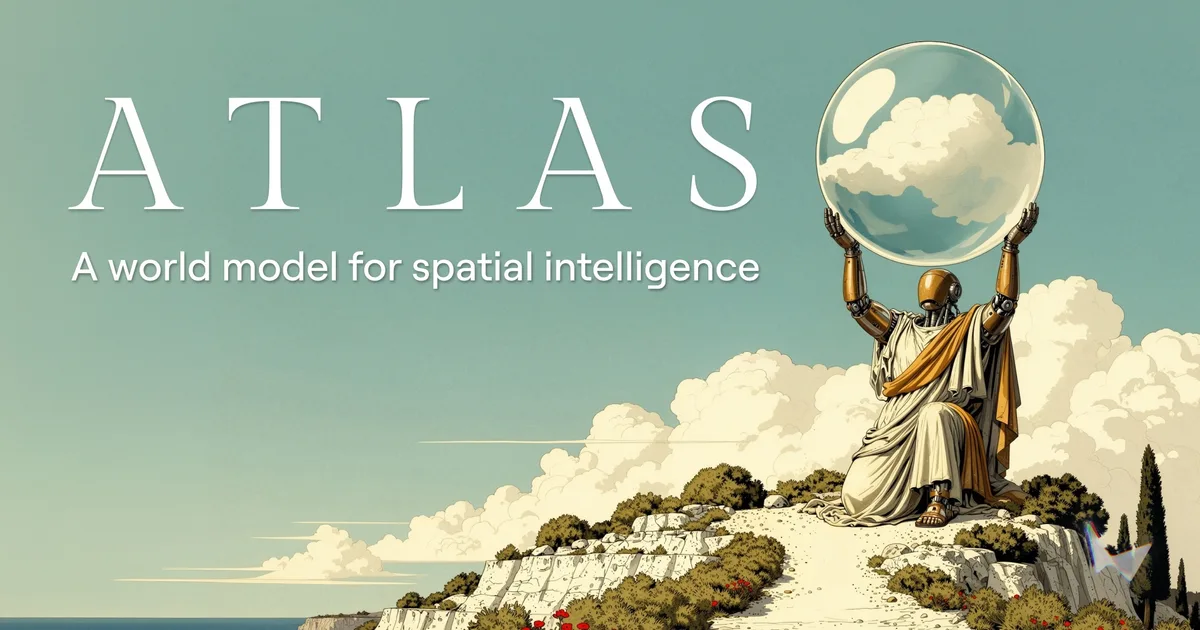
World Labs Atlas: A World Model You Steer With a Camera
World Labs introduced Atlas on September 1, 2026 as an omni world model for generation, reconstruction, and simulation. It is in early access with select partners. No public price or GA date.

Runway Now Inside ChatGPT: No More Tab Switching
Runway's official ChatGPT integration lets you generate and edit video mid-conversation. Here's what it changes for creators.

Runway Aleph 2.0: Edit Studio & Frame Propagation
Runway's Aleph 2.0 adds Edit Studio with frame propagation for AI video. Here's what it does and why creators should care.
Ready to try Pika?
Head to the official site to start with Pika — pricing and plans are listed above.
Visit Pika