
Opus Clip
Automatically turns long-form videos into dozens of short, viral-ready clips with AI-powered captioning, virality scoring, and B-roll suggestions.
Updated 2026-04-30
Yes, within limits. Opus Clip runs a free tier with paid plans above it.
Listed pricing: Freemium — paid from $19/mo.
Overview
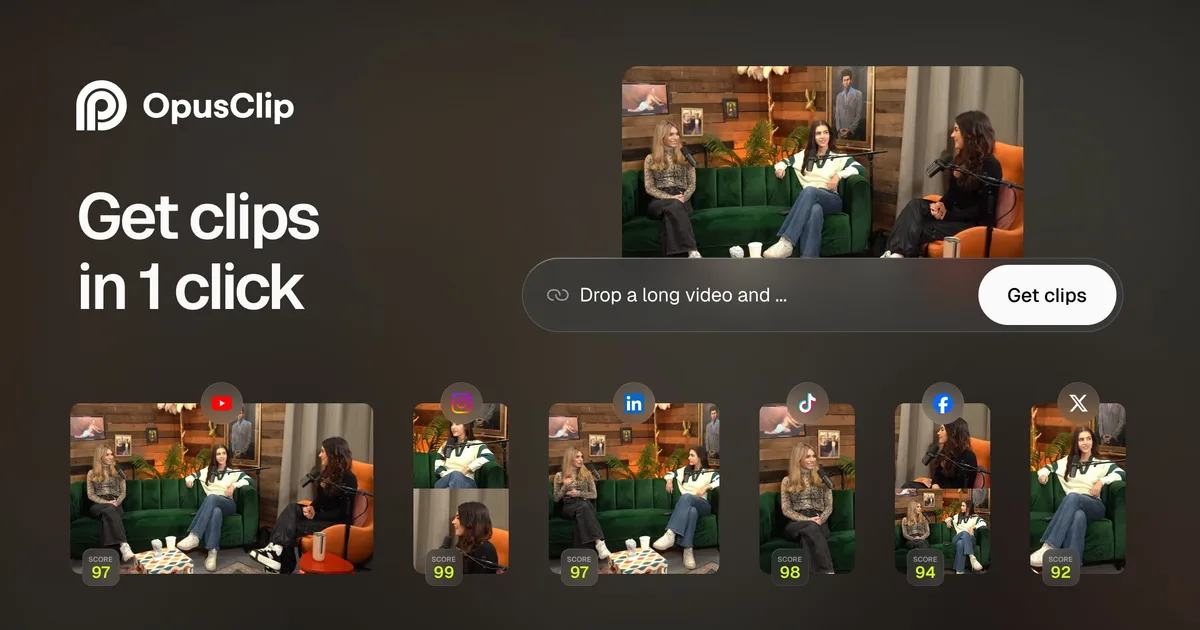
Opus Clip solves one of the most time-consuming problems in content creation: turning a long video into short-form clips for TikTok, YouTube Shorts, and Instagram Reels. Drop in a video or paste a URL, and the AI analyzes the entire piece to identify the most compelling moments, then outputs ready-to-post vertical clips with captions already baked in.
The standout feature is the AI Virality Score, which rates each generated clip on its likelihood of performing well on social media based on factors like hook strength, pacing, and emotional engagement. It's not a crystal ball, but it meaningfully helps creators and social media managers prioritize which clips to post first. The automatic B-roll engine can overlay relevant stock footage on talking-head segments, adding visual variety without manual editing.
Opus Clip is built for YouTubers, podcasters, marketing teams, and agencies who produce long-form content and need a fast pipeline to social. It handles the tedious work — scene detection, reframing to vertical, caption styling, filler-word removal — that would otherwise take hours in a traditional editor. The main trade-off is creative control: the AI makes good editorial choices most of the time, but you'll occasionally want to override its clip boundaries or caption timing.
Is Opus Clip free?
Yes, within limits. Opus Clip runs a free tier with paid plans above it.
What the free tier covers: 60 minutes of upload per month with watermark — enough to test the clipping workflow on a few videos.
Listed pricing: Freemium — paid from $19/mo.
Pricing on this page has not been re-verified. The entry was last edited on , and no separate pricing check has been run since. Treat the figures as a record of what was published then and confirm on the official site.
What the free tier leaves out
Read straight off the plan list below. Vendors move features between tiers, so check the current split before you pay.
- Starter $19/mo 200 min upload/mo, no watermark, virality score, 1080p export
- Growth $41/mo 600 min upload/mo, AI B-roll, brand templates, team features
- Scale $59/mo 1200 min upload/mo, API access, custom branding, priority rendering
Opus Clip pricing
| Plan | Price | What's included |
|---|---|---|
| Free | Free | 60 min upload/mo, basic clipping, watermarked output |
| Starter | $19/mo | 200 min upload/mo, no watermark, virality score, 1080p export |
| Growth | $41/mo | 600 min upload/mo, AI B-roll, brand templates, team features |
| Scale | $59/mo | 1200 min upload/mo, API access, custom branding, priority rendering |
60 min upload/mo, basic clipping, watermarked output
200 min upload/mo, no watermark, virality score, 1080p export
600 min upload/mo, AI B-roll, brand templates, team features
1200 min upload/mo, API access, custom branding, priority rendering
Pricing on this page has not been re-verified. The entry was last edited on , and no separate pricing check has been run since. Treat the figures as a record of what was published then and confirm on the official site.
Is Opus Clip worth it?
Worth it for YouTubers, podcasters, and marketing teams who need to turn long-form video into short clips for TikTok, Shorts, and Reels.
You can test that on the free tier before paying anything. The recorded trade-offs are listed below, and any one of them can settle the question on its own.
The 8.6/10 AI Score is an editorial read of published capability, price and shipping pace. Nobody here has hands-on hours with Opus Clip. How we verify.
Worth it if
The strengths recorded against this entry.
- Turns hours of manual clipping work into minutes — massive time saver for social teams
- Virality Score helps prioritize which clips to post first
- Caption styling and vertical reframing are production-ready out of the box
- Supports direct URL import from YouTube, Vimeo, and other platforms
Not worth it if
Any one of these blocks your use case.
- AI clip boundaries aren't always perfect — expect to manually adjust 20-30% of clips
- B-roll suggestions can feel generic and aren't available on lower tiers
- Free tier watermark makes it unsuitable for professional use without upgrading
- Limited creative control compared to traditional editors like Premiere or DaVinci
What sets Opus Clip apart
- AI Virality Score predicts which clips are worth posting first
- Automatic B-roll overlay adds visual variety to talking-head segments
- Direct URL import from YouTube, Vimeo, and other platforms
Key features
Auto Clipping
AI analyzes long-form video to identify the most engaging moments and automatically cuts them into standalone short clips. Handles reframing from horizontal to vertical with smart subject tracking.
Virality Score
Each generated clip gets an AI-predicted virality score based on hook quality, pacing, emotional resonance, and engagement potential. Helps prioritize which clips to publish first.
AI Captions
Automatically generates and styles animated captions with accurate timing. Multiple caption templates optimized for TikTok, Reels, and Shorts with customizable fonts, colors, and animations.
AI B-Roll
Suggests and overlays contextually relevant stock footage on talking-head segments to increase visual variety and viewer retention without manual searching or editing.
How it compares
| Tool | Best for | Pricing | Score |
|---|---|---|---|
| Opus Clip | YouTubers, podcasters, and marketing teams who need to turn long-form video into short clips for TikTok, Shorts, and Reels. | Freemium — paid from $19/mo | 8.6/10 |
| Runway vs Runway → | Filmmakers, advertisers, and content creators who need cinematic AI video with realistic motion and fine-grained creative control. | Free tier + Standard $12/mo + Pro $28/mo + Max $76/mo + Enterprise contact sales | 9.3/10 |
| Veo 3 vs Veo 3 → | Filmmakers, content creators, and marketing teams who need production-quality cinematic video with synced audio, without a production budget. | Free via Gemini + Vertex AI pay-per-use | 9.1/10 |
| Seedance 2.0 vs Seedance 2.0 → | Video creators and developers who need short AI-generated clips with synchronized audio, lip-sync, and cinematic camera control. | Free daily credits (Dreamina) + paid ~$15-$70/mo; API from ~$0.08/s | 9/10 |



Compare head-to-head
Related reading

Kimi K3.1 Pro vs Opus 5.5 on Scores and Access
Moonshot’s Kimi K3.1 Pro hits 65.7% on Terminal-Bench 4.0 against Claude Opus 5.5 at 66.4%, with live API access and open weights dated November 4.

Meta's $35B Class C Raise Buys Compute, Not Votes
Meta's October 2026 Class C equity raise funds AI data centers while preserving founder control and lifting the compute bar for smaller labs.

Brotli Unauthenticated RCE Claim, Audited
Security digests keep repeating Brotli RCE with “no account needed.” Here is what that claim measures, skips, and when it fails for your stack.
Ready to try Opus Clip?
Head to the official site to start with Opus Clip — pricing and plans are listed above.
Visit Opus Clip