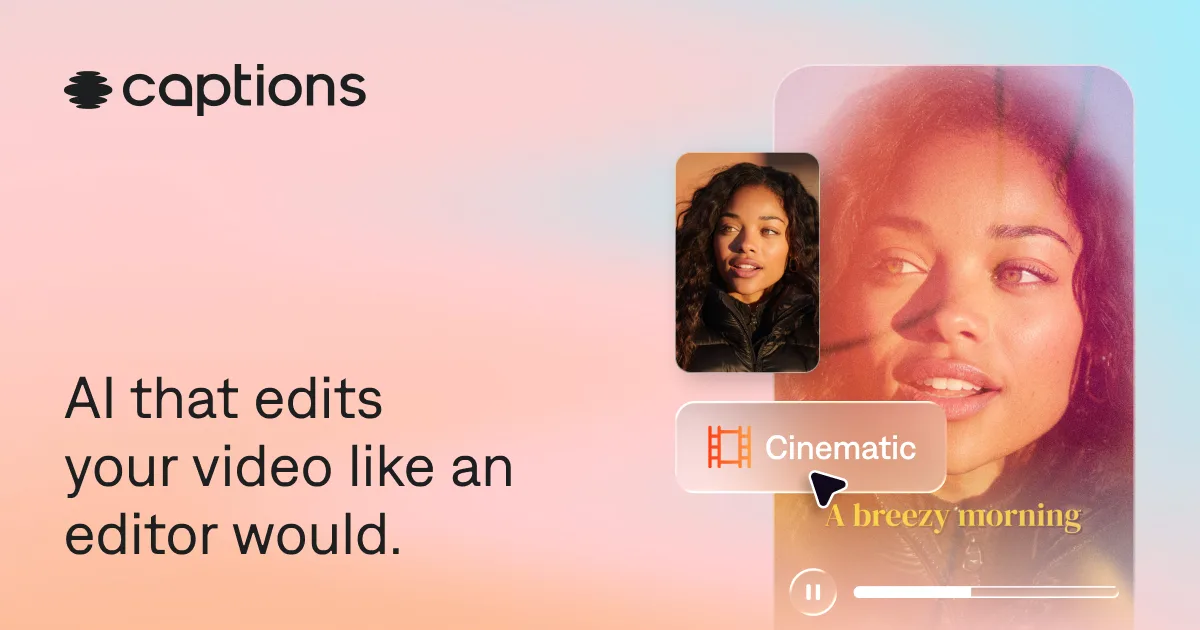

Captions (by Mirage)
AI short-form video app that turns scripts, prompts, or raw footage into polished clips with auto-captions, AI avatars, and eye-contact correction.
Updated 2026-06-27
Yes, within limits. Captions (by Mirage) runs a free tier with paid plans above it.
Listed pricing: Free tier + Pro $9.99/mo, Max $24.99/mo, Scale $69.99/mo.
Overview
Captions is the consumer-facing creation app from Mirage, the AI video company that rebranded from "Captions" to "Mirage" in September 2025 after raising more than $100M at a reported $500M valuation. The app does one thing the broader market has converged on: it takes a script, a text prompt, or a piece of raw selfie footage and turns it into a finished short-form video — captioned, color-corrected, and ready for TikTok, Reels, or Shorts. What sets it apart from a generic caption generator is the stack of features built on Mirage's own foundation models, including AI avatars ("Twins" — digital clones of yourself), text-to-video generation, and automatic eye-contact correction that fixes the off-camera gaze you get from reading a teleprompter.
The app is aimed at solo creators, marketers, and social teams who shoot talking-head content at volume and don't want to touch a timeline editor. You record (or generate) a clip, and Captions handles the parts that normally eat the most time: transcribing and styling animated captions, trimming dead air, swapping in B-roll, and dubbing into other languages with lip-sync. The AI Twin feature is the headline differentiator — once you've trained a digital double, you can produce talking-head videos from a typed script without ever opening the camera, which puts it in direct competition with HeyGen and Synthesia on the avatar front while staying rooted in the fast, mobile-first short-form workflow.
Mirage backs the consumer app with real enterprise traction — TechCrunch's coverage of the rebrand names HubSpot, Comcast, FOX, and Harvard as customers, and the company reports 100K+ daily users plus an API for developers building on its models. That's a meaningful signal that the underlying tech is more than a wrapper around third-party APIs. The one thing to keep straight: "Mirage" is now the parent brand and model company, while "Captions" is the specific app at mirage.app/captions. If you're shopping for the consumer editor, that product page is the one you want.
Is Captions (by Mirage) free?
Yes, within limits. Captions (by Mirage) runs a free tier with paid plans above it.
What the free tier covers: Free plan with 200 lifetime (not monthly) credits and watermark-free-tier-dependent exports — useful for evaluation but exhausts quickly with regular use.
Listed pricing: Free tier + Pro $9.99/mo, Max $24.99/mo, Scale $69.99/mo.
Pricing on this page has not been re-verified. The entry was last edited on , and no separate pricing check has been run since. Treat the figures as a record of what was published then and confirm on the official site.
What the free tier leaves out
Read straight off the plan list below. Vendors move features between tiers, so check the current split before you pay.
- Pro $9.99/mo Monthly renewing credits, no watermark, full caption and editing toolset for individual creators
- Max $24.99/mo Higher monthly credit allotment, AI avatar/Twin access, more generation headroom for regular publishers
- Scale $69.99/mo Top credit tier for high-volume creators and teams producing short-form content at scale
Captions (by Mirage) pricing
| Plan | Price | What's included |
|---|---|---|
| Free | Free | 200 lifetime credits, exports included — enough to test captions, avatars, and text-to-video on a handful of clips |
| Pro | $9.99/mo | Monthly renewing credits, no watermark, full caption and editing toolset for individual creators |
| Max | $24.99/mo | Higher monthly credit allotment, AI avatar/Twin access, more generation headroom for regular publishers |
| Scale | $69.99/mo | Top credit tier for high-volume creators and teams producing short-form content at scale |
200 lifetime credits, exports included — enough to test captions, avatars, and text-to-video on a handful of clips
Monthly renewing credits, no watermark, full caption and editing toolset for individual creators
Higher monthly credit allotment, AI avatar/Twin access, more generation headroom for regular publishers
Top credit tier for high-volume creators and teams producing short-form content at scale
Pricing on this page has not been re-verified. The entry was last edited on , and no separate pricing check has been run since. Treat the figures as a record of what was published then and confirm on the official site.
Is Captions (by Mirage) worth it?
Worth it for Solo creators, marketers, and social teams shooting talking-head short-form video who want captions, avatars, and edits handled without a timeline editor.
You can test that on the free tier before paying anything. The recorded trade-offs are listed below, and any one of them can settle the question on its own.
The 8/10 AI Score is an editorial read of published capability, price and shipping pace. Nobody here has hands-on hours with Captions (by Mirage). How we verify.
Worth it if
The strengths recorded against this entry.
- Auto-caption engine is among the most polished for vertical short-form video
- AI Twin avatars let you produce talking-head clips from a script without filming
- Eye-contact correction and auto-trimming remove tedious manual editing steps
- Backed by Mirage's own foundation models and real enterprise customers (HubSpot, Comcast, FOX), not a thin API wrapper
- Mobile-first workflow is genuinely fast for creators who publish daily
Not worth it if
Any one of these blocks your use case.
- Credit-based pricing with only 200 lifetime free credits — the free tier is for evaluation, not ongoing use
- Brand confusion: 'Mirage' is now the parent company while 'Captions' is the app, which muddies search and support
- Avatar realism still trails dedicated enterprise tools like Synthesia for corporate-grade presenters
- Best suited to short-form vertical video — not a replacement for a full timeline editor on longer projects
What sets Captions (by Mirage) apart
- AI Twin avatars turn a typed script into talking-head video with no camera
- Eye-contact correction fixes off-camera teleprompter gaze
- Built on Mirage's own foundation models with enterprise customers like HubSpot and Comcast
- Mobile-first workflow suited to daily short-form publishing
Key features
Auto Captions
Transcribes speech and adds animated, word-by-word captions in a range of styles automatically. This was the app's original calling card and remains among the most polished caption engines for vertical video.
AI Avatars (Twins)
Train a digital clone of yourself, then generate talking-head videos from a typed script — no camera required. Competes directly with HeyGen and Synthesia avatars while staying in the short-form workflow.
Eye-Contact Correction
Automatically redirects your gaze toward the lens, fixing the off-camera look you get from reading a teleprompter or script. A small but genuinely useful touch for talking-head creators.
Text-to-Video Generation
Turns a written prompt or full script into a finished video using Mirage's own foundation models, including AI-generated presenters, B-roll, and voiceover dubbing with lip-sync in multiple languages.
How it compares
| Tool | Best for | Pricing | Score |
|---|---|---|---|
| Captions (by Mirage) | Solo creators, marketers, and social teams shooting talking-head short-form video who want captions, avatars, and edits handled without a timeline editor. | Free tier + Pro $9.99/mo, Max $24.99/mo, Scale $69.99/mo | 8/10 |
| Runway vs Runway → | Filmmakers, advertisers, and content creators who need cinematic AI video with realistic motion and fine-grained creative control. | Free tier + Standard $12/mo + Pro $28/mo + Max $76/mo + Enterprise contact sales | 9.3/10 |
| Veo 3 vs Veo 3 → | Filmmakers, content creators, and marketing teams who need production-quality cinematic video with synced audio, without a production budget. | Free via Gemini + Vertex AI pay-per-use | 9.1/10 |
| Seedance 2.0 vs Seedance 2.0 → | Video creators and developers who need short AI-generated clips with synchronized audio, lip-sync, and cinematic camera control. | Free daily credits (Dreamina) + paid ~$15-$70/mo; API from ~$0.08/s | 9/10 |



Compare head-to-head
Related reading
GPT-Live's one stream vs Gemini 3.8 Live
OpenAI's GPT-Live listens and speaks on one WebSocket. Google's Gemini 3.8 Live reasons while talking. Specs, prices, and who each model is for.
ChatGPT Finances Experian Soft Credit Check: What Shipped
U.S. Plus/Pro ChatGPT Finances can connect Experian for a soft-pull VantageScore 3.0. What OpenAI's Help Center says about setup, monthly updates, and what not to paste in chat.

Anthropic Traced More Than 23 Million Exchanges
Anthropic attributed more than 23 million exchanges to Moonshot between May and July in its September 2026 threat intelligence report.
Ready to try Captions (by Mirage)?
Head to the official site to start with Captions (by Mirage) — pricing and plans are listed above.
Visit Captions (by Mirage)