
GitHub Copilot
The most widely adopted AI coding assistant. Multi-model completions, agentic coding, code review, and deep IDE integration — now with a free tier.
Updated 2026-05-02
Yes, within limits. GitHub Copilot runs a free tier with paid plans above it.
Listed pricing: Free tier + Pro $10/mo.
Overview
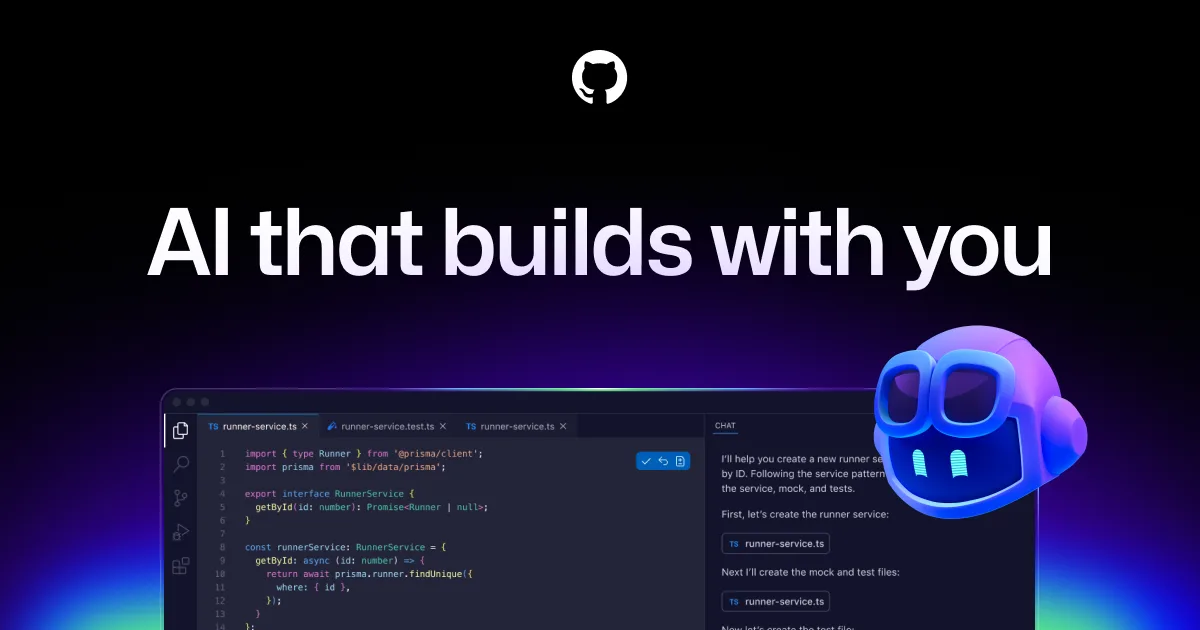
GitHub Copilot remains the most widely deployed AI coding assistant, embedded natively in VS Code, JetBrains, Neovim, Visual Studio, and directly on GitHub.com. What started as a simple autocomplete tool has evolved into a multi-model platform — you can choose between Claude Sonnet 4.6, GPT-4.1, and Gemini 2.5 Pro depending on the task, switching models mid-conversation in Copilot Chat.
The biggest leap is agent mode: Copilot can now autonomously plan and execute multi-step coding tasks, create branches, run tests, and open pull requests — all from a natural language description in your IDE or on GitHub.com. Copilot code review analyzes PRs automatically, flagging bugs and suggesting fixes inline. Extensions let third-party tools plug into Copilot Chat, expanding it beyond pure code generation into deployment, monitoring, and documentation workflows.
The addition of a generous free tier in late 2024 removed the biggest adoption barrier, though power users will quickly hit the monthly limits. While competitors like Cursor and Claude Code have pushed ahead on deep codebase reasoning and autonomous agentic workflows, Copilot's unmatched distribution — it ships inside the world's most popular editors and the platform where most code already lives — keeps it essential for millions of developers.
Is GitHub Copilot free?
Yes, within limits. GitHub Copilot runs a free tier with paid plans above it.
What the free tier covers: 2,000 code completions and 50 chat messages per month with access to select models.
Listed pricing: Free tier + Pro $10/mo.
Pricing verified . That is the date the plans were last re-checked against the vendor's own pages, not today's date. Confirm on the official site before you pay.
What the free tier leaves out
Read straight off the plan list below. Vendors move features between tiers, so check the current split before you pay.
- Pro $10/mo Unlimited completions and chat, multi-model selection, agent mode
- Business $19/mo/user Organization policies, IP indemnity, admin controls, exclude files from training
- Enterprise $39/mo/user Fine-tuned models, SAML SSO, security audit logs, knowledge bases
GitHub Copilot pricing
| Plan | Price | What's included |
|---|---|---|
| Free | Free | 2,000 code completions, 50 chat messages/mo, access to Claude Sonnet and GPT-4o |
| Pro | $10/mo | Unlimited completions and chat, multi-model selection, agent mode |
| Business | $19/mo/user | Organization policies, IP indemnity, admin controls, exclude files from training |
| Enterprise | $39/mo/user | Fine-tuned models, SAML SSO, security audit logs, knowledge bases |
2,000 code completions, 50 chat messages/mo, access to Claude Sonnet and GPT-4o
Unlimited completions and chat, multi-model selection, agent mode
Organization policies, IP indemnity, admin controls, exclude files from training
Fine-tuned models, SAML SSO, security audit logs, knowledge bases
Pricing verified . That is the date the plans were last re-checked against the vendor's own pages, not today's date. Confirm on the official site before you pay.
Is GitHub Copilot worth it?
Worth it for Developers who want an AI coding assistant built into their existing editor, from free-tier autocomplete to autonomous PR workflows.
You can test that on the free tier before paying anything. The recorded trade-offs are listed below, and any one of them can settle the question on its own.
The 8.8/10 AI Score is an editorial read of published capability, price and shipping pace. Nobody here has hands-on hours with GitHub Copilot. How we verify.
Worth it if
The strengths recorded against this entry.
- Free tier makes it accessible to every developer — no credit card needed
- Multi-model support lets you pick the best model for each task
- Deepest GitHub integration: agent mode can open PRs, run Actions, and iterate on CI failures
- Available in virtually every major IDE and editor out of the box
Not worth it if
Any one of these blocks your use case.
- Agent mode is less capable than Cursor or Claude Code for complex multi-file refactors
- Free tier limits are tight — serious users will need Pro within a week
- Codebase-wide reasoning lags behind Cursor's indexing and context awareness
- Extensions ecosystem is still maturing compared to standalone AI coding tools
What sets GitHub Copilot apart
- Switch between Claude Sonnet 4.6, GPT-4.1, and Gemini 2.5 Pro mid-conversation
- Agent mode opens pull requests and iterates on GitHub Actions failures
- Free tier needs no credit card
- Native integration across VS Code, JetBrains, Neovim, Visual Studio, Xcode, and GitHub.com
Key features
Multi-Model Chat
Choose between Claude Sonnet 4.6, GPT-4.1, and Gemini 2.5 Pro for chat and code generation. Switch models per conversation based on task complexity or preference.
Agent Mode
Describe a task in natural language and Copilot autonomously plans, writes code across files, runs terminal commands, iterates on test failures, and opens pull requests.
Code Review
Automated PR review that flags potential bugs, security issues, and style violations with inline fix suggestions. Integrates directly into GitHub pull request workflows.
IDE Integration
Native extensions for VS Code, JetBrains, Neovim, Visual Studio, Xcode, and GitHub.com. Real-time completions, inline chat, and terminal integration across all supported editors.
How it compares
| Tool | Best for | Pricing | Score |
|---|---|---|---|
| GitHub Copilot | Developers who want an AI coding assistant built into their existing editor, from free-tier autocomplete to autonomous PR workflows. | Free tier + Pro $10/mo | 8.8/10 |
| Cursor vs Cursor → | Professional developers handling complex, multi-file refactors who want AI built into a familiar VS Code-based editor. | Free Hobby + Individual $20/mo + Teams $40/user/mo + Enterprise Custom | 9.5/10 |
| GPT-5.5 vs GPT-5.5 → | Developers and teams needing a frontier reasoning model for agentic coding workflows and large-codebase context handling. | API: $5/$30 per 1M tokens (in/out). ChatGPT Plus $20/mo, Pro $200/mo | 9.4/10 |
| Claude Code vs Claude Code → | Developers who want an agent that works inside an existing repo and toolchain rather than in a hosted editor, and who already pay for a Claude plan. | Included with Claude Pro $17/mo, Max 5x $100/mo, Max 20x $200/mo, Team and Enterprise plans | 9.3/10 |


Learn to use GitHub Copilot
Step-by-step, each one stamped with the date it was last checked against the docs.
Compare head-to-head
Related reading

OpenAI Winds Down Cursor Models After the SpaceX Deal
OpenAI notified SpaceX it will stop supplying models to Cursor, with a proposed shutoff of November 12, 2026. What the official post says, what Cursor still lists, and what to do before the date.

Gemini 3.7 Flash: What Shipped and What It Costs
Google launched Gemini 3.7 Flash on August 13. Intro API price is $0.75/$3.75 per 1M tokens through December 31, 2026, then $1.50/$7.50.

Grok 4.6 vs 4.5: Pricing, Evals, Where It Ships
xAI shipped Grok 4.6 on August 12. Official $2/$6 API price, vendor evals vs 4.5, and same-week placement in Build, Cursor, and Copilot.
Ready to try GitHub Copilot?
Head to the official site to start with GitHub Copilot — pricing and plans are listed above.
Visit GitHub Copilot