
How to Use GPT-Live in ChatGPT Voice Mode
OpenAI says GPT-Live listens while it speaks. What that claim covers, how to switch it on in the ChatGPT app, and the ten-second test that checks it.
"GPT-Live can listen while it speaks" is the line OpenAI published from its own X account on the evening of August 3, 2026, and it is the sentence the company led with. That post showed 735.2K views when we pulled it on August 4. The sentence is about the timing of the audio path between your phone and the model. It covers when sound moves in each direction, and the two sentences that follow it in the same post say so plainly.
GPT-Live was already running voice inside ChatGPT before this announcement, and we wrote the models up when they launched. The August 3 claim is architectural. OpenAI says it rebuilt the voice stack from the client through to the model so audio keeps moving while the model reasons and calls tools. The company put the detail in a technical post, Continuous voice interaction with GPT-Live, published the same day.
Start with the sentence OpenAI published
The claim comes from the vendor, on the vendor's launch account, in a product announcement. The only party who has measured it so far is OpenAI itself. That framing usually invites suspicion, and here it mostly should not, because the thing being claimed is a description of OpenAI's own plumbing. Nobody outside the company is better placed to say how the audio path is wired.
Here is the whole post, which is worth reading as written before reading anyone's summary of it:
GPT-Live can listen while it speaks. To make that feel natural at ChatGPT scale, we rebuilt the voice stack from client to model. This new architecture keeps audio flowing continuously, so deeper reasoning and tool use don't interrupt the conversation.
Three sentences. The first describes the behaviour, the second describes the engineering behind it, and the third is the one that changes what a conversation with your phone feels like.
Picture one microphone left permanently open
Strip the marketing off and the claim is about scheduling. In a turn-based voice assistant, your microphone is effectively gated: software watches for you to stop talking, decides you are finished, hands the audio to the model, waits for a full response, plays it, then reopens the mic. Every one of those handoffs is a place the conversation can stall.
Continuous voice removes the gate. Audio moves in both directions at once, so your speech reaches the model while the model's speech is still reaching you.
| Moment in the conversation | Turn-based voice | Continuous voice |
|---|---|---|
| You pause mid-sentence to think | Silence detector may call your turn over | Stream stays open, no handoff triggered |
| You cut in while it is answering | Playback is killed and the reply is re-planned | Your audio is already arriving as it speaks |
| It needs to think or call a tool | Channel goes quiet until the work finishes | Audio keeps flowing through the pause |
The third row is where OpenAI's own sentence puts the weight: deeper reasoning and tool use don't interrupt the conversation. In practice that carries further than the interruption case, because dead air while it searches is the thing that makes a voice assistant feel broken exactly when you ask it something hard.
Judge it on interruption and overlap
A continuous audio stream carries a wrong answer exactly as smoothly as a right one. The claim covers the transport and the timing of the conversation. It does not reach into whether GPT-Live understood your accent, whether it heard you over a dishwasher, or whether the fact it just told you is true. Those are recognition and reasoning properties, and they sit on a separate axis from the one OpenAI announced.
The exclusion matters because of how a first-time user will assign blame. Somebody tries voice mode, gets a garbled response in a noisy kitchen, and concludes the "listen while it speaks" thing is hype. The two are unrelated. Conversely, someone has a smooth exchange and credits the new architecture for an answer quality that GPT-Live's speech pipeline had nothing to do with.
No round-trip latency figure appears in the announcement OpenAI posted to X, and latency is the number that would let you compare this against Google's Gemini Live in the Gemini app or against expressive-voice specialists like Hume AI. For voice, response delay is the currency. You can feel a couple hundred milliseconds without being able to name it.
So test the claim on its own terms: interruption, overlap, and whether the line stays alive during a hard question. Everything else you might notice is a different feature being evaluated by accident.
Open voice mode and start talking
There is nothing to install and no separate subscription. GPT-Live is the engine underneath voice in the ChatGPT apps you already have.
- Update the app first. The August 3 work spans the client as well as the model, so an old build will not give you the new behaviour no matter what account you are on.
- Look for the voice control near the message box. It is the waveform or headphone glyph. Its position moves between app releases, so hunt for the icon instead of a fixed spot on screen.
- Grant the microphone permission when prompted. If you declined it once, the app cannot ask again. You have to turn it back on in your phone's system settings under the ChatGPT entry.
- Put headphones on for the first attempt. This one is specific to continuous voice. An always-open mic next to a loud speaker hears the assistant's own output and can treat it as you talking. Earbuds remove the feedback path entirely.
- Talk normally and stop babysitting your turns. The pause-and-wait rhythm you learned from older assistants is the habit that hides the new behaviour.
Your first real exercise should be an interruption, not a question. Ask for something long, a recipe or an explanation of compound interest, then cut in after ten seconds with "actually, skip to the ingredients." Watch whether it stops cleanly and keeps the thread, or stops and loses where it was.
Then try the harder one. Ask something that needs a search or a tool, and listen to what happens during the gap. Dead air means the old loop. A conversation that stays alive through the pause is the thing OpenAI announced.
Weigh your plan against your usage
Voice is part of the ChatGPT app, so what you pay for it is whatever tier you are already on. Current prices for those tiers sit on OpenAI's pricing page. The August 3 announcement says nothing about how voice access differs between free and paid accounts, so the pricing page is the only live answer there as well.
Do not upgrade for this feature before you have hit a wall with it. Voice minutes are the resource that runs out, and a beginner using voice mode for twenty minutes of language practice a day is a long way from any ceiling worth paying to lift. The upgrade case builds when you find yourself cut off mid-session repeatedly, which is a thing you notice without checking a dashboard.
One separation worth holding onto. The ChatGPT feature and OpenAI's developer API are different purchases with different meters. If you are building your own voice product, the audio pricing on the API side is its own subject and the consumer tiers tell you nothing about it. If you just want to talk to ChatGPT while cooking, the API side does not apply to you at all.
The claim turns out wrong the moment the audio proves to be one-way at a time: if your interruption only lands after the reply has finished playing, or if the line drops to silence while it looks something up. Ten seconds of talking over it tells you which one you have.
Keep reading
 Tutorials
ChatGPT Slider and Think Button: How to Use Both
OpenAI put reasoning depth under your control in ChatGPT. Which tier gets which control, which setting fits which task, and when to leave both alone.
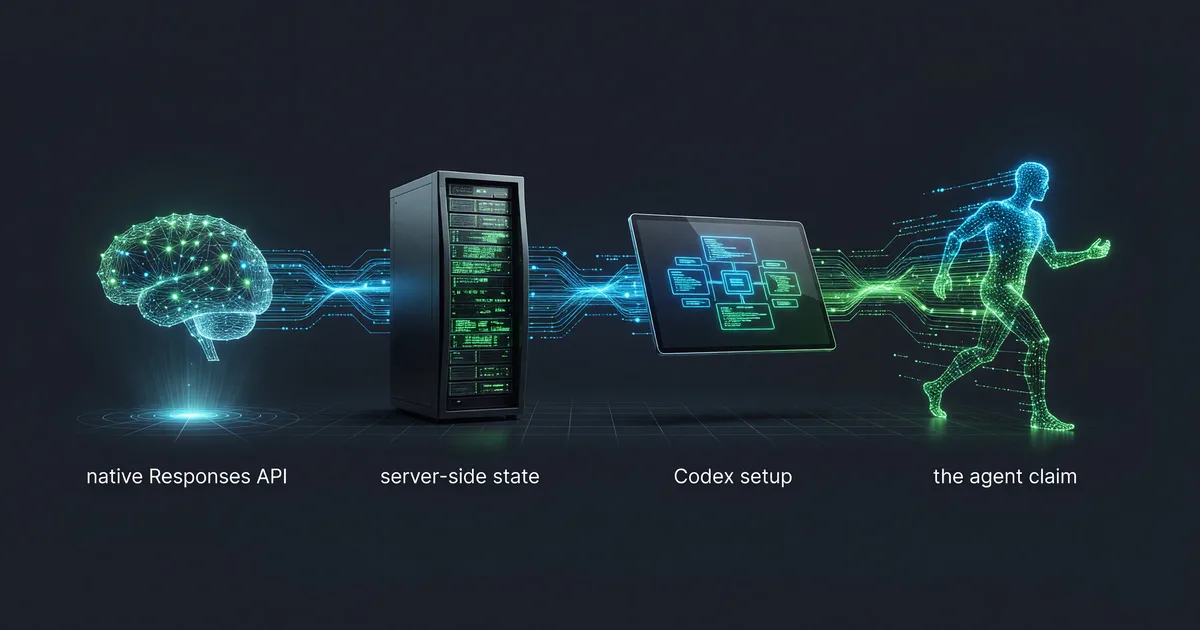 Tutorials
DeepSeek-V4-Flash API: Responses, Codex, Agent Setup
DeepSeek opened the V4-Flash public beta on July 31, 2026 with a native Responses API. Model ID, server-side state, Codex setup, and the agent claim.
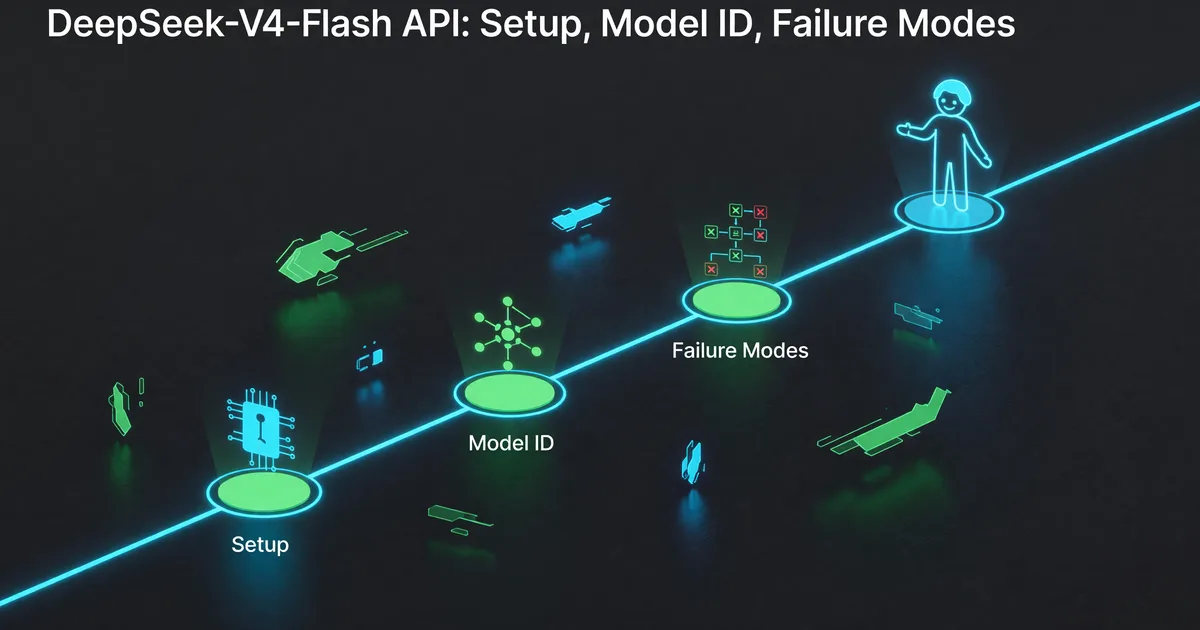 Tutorials
DeepSeek-V4-Flash API: Setup, Model ID, Failure Modes
DeepSeek opened the V4-Flash API public beta on July 31, 2026. The shortest path to a working agent call, and the beta failures to plan around.