
1.4M Views on Grok Memory Transfer
Musk's Memory Transfer post hit 1.4M+ views. What that count measures, what Claude and ChatGPT exports leave out, and how archive size changes a switch.
"1.4M+ views" is the figure chasing Grok Bot Memory Transfer across quote-tweet storms, and it comes from Elon Musk's public X post endorsing the import flow (the post's own view counter on x.com/elonmusk).
People are treating that counter as proof the Claude-to-Grok or ChatGPT-to-Grok jump is solved, even though the counter tracks reach on X rather than finished imports.
Musk post provenance
The number was produced by X's public engagement UI on Musk's endorsement of Memory Transfer, the feature that lets Grok Bot pull in prior chat knowledge so a new thread does not start empty. Brian Roemmele amplified the same flow with export screenshots and prompt-shaped instructions in a follow-on thread, which is where most of the how-to language in circulation originates.
Those posts landed in mid-October 2026 and picked up quote-tweet volume fast. The view total is a platform metric attached to a single post object. It is not a lab report, not an xAI usage dashboard, and not a count of completed imports.
xAI has not published companion completion or retention stats in the viral posts that circulated the feature. The view counter is the headline reach figure on Musk's endorsement; the same packet also shows high reply volume and 3k+ likes.
View-count literal scope
"1.4M+ views" measures impressions on that X post: how many times the post rendered in someone's feed or profile, as X defines a view.
It does not measure unique people who opened Grok Bot. It does not measure export downloads from ChatGPT or Claude. It does not measure paste-ins, file uploads, or accepted memory merges inside Grok.
A view can come from a scroll-past, a quote-tweet embed, or a reply storm that never leaves X. High reply volume and like counts travel with the same post, but they still sit on the social object. They are audience temperature for the announcement, not completion telemetry for the product path.
Reach on the endorsement post and retention of your prior assistant history are different instruments. Confusing them turns a marketing spike into a false migration KPI.
If you need a tutorial metric, you need something the viral posts never put next to the 1.4M line: transfers started, transfers finished, and what fraction of the source archive survived compression into Grok Bot memory.
Export path exclusions
Memory Transfer, as framed in the viral screenshots and Roemmele-style walkthroughs, is an import into Grok Bot of material you can produce from another assistant's account. The narrow product claim is continuity of knowledge, not a bit-perfect clone of every past chat UI state.
What the public export paths actually hand you is narrower than "your whole relationship with the model."
Roemmele's thread and the circulating screenshots point people at ChatGPT and Claude data-export guidance so they can pull conversation history before the Grok Bot import. The viral how-to language treats those exports as the feedstock for Memory Transfer. Exact package contents and retention rules sit with each vendor's own export flow, and the X posts do not inventory every field those packages include or drop.
Memory Transfer can only ingest what you can extract from the source account. If the export never contained a preference, project note, or chat thread, Grok Bot cannot invent it at import time. That limit is why the Claude and ChatGPT export steps show up in every Memory Transfer thread that followed Musk's endorsement: without a package you can open, the import UI has nothing durable to merge.
Also excluded from the 1.4M figure: how Grok Bot stores the result after import. Public posts describe a memory-style profile you can keep building on. The screenshots and Roemmele-style walkthroughs do not define a lossless field map from a ChatGPT or Claude export into Grok memory.
Archive volume friction
Your own archive size decides whether Memory Transfer feels like a switch or a skim.
Small personal use (a few dozen chats, a short preference list, recurring writing tone notes) maps cleanly onto the viral flow. Export ChatGPT or Claude through the vendor privacy controls, open the package, pull the conversation text and any memory-like preference sections the other product already stored, then follow the Grok Bot Memory Transfer import UI shown in the circulating screenshots. Keep the source zip until you have verified the imported profile answers a question only the old assistant knew.
Large work piles change the math. Long-running ChatGPT and Claude archives can grow into overlapping thread piles that outrun a single clean paste. Heavy research users hit the same bulk problem. Dumping the entire corpus into one import prompt or one upload often forces the receiving side to compress hard. Prefer a curated bundle: standing instructions, project glossaries, decision logs you still cite, and two recent threads that define your current voice. Leave the dead ends in cold storage.
Budget shows up as time, not API dollars. Export wait time plus triage time is the real cost. If your team stores sensitive client text in those chats, run the same redaction pass you would before any vendor migration. Memory Transfer does not grant a compliance exception.
Practical sequence without folklore: request the ChatGPT or Claude export from the official settings page, download when the vendor email arrives, extract only the files that hold conversation text and saved preferences, then start Memory Transfer inside Grok Bot and attach or paste that curated set. Stop when Grok can restate your durable constraints. Do not treat a full raw dump as mandatory.
The 1.4M+ view number is wrong as evidence of a finished switch whenever most of those views never leave X, or when an import completes but only as a thin profile while the operational detail still lives in the ChatGPT or Claude archive you never curated. Export from ChatGPT or Claude, curate that bundle, then run Memory Transfer in Grok Bot against the curated set.
Keep reading
ChatGPT Slider and Think Button: How to Use Both
OpenAI put reasoning depth under your control in ChatGPT. Which tier gets which control, which setting fits which task, and when to leave both alone.
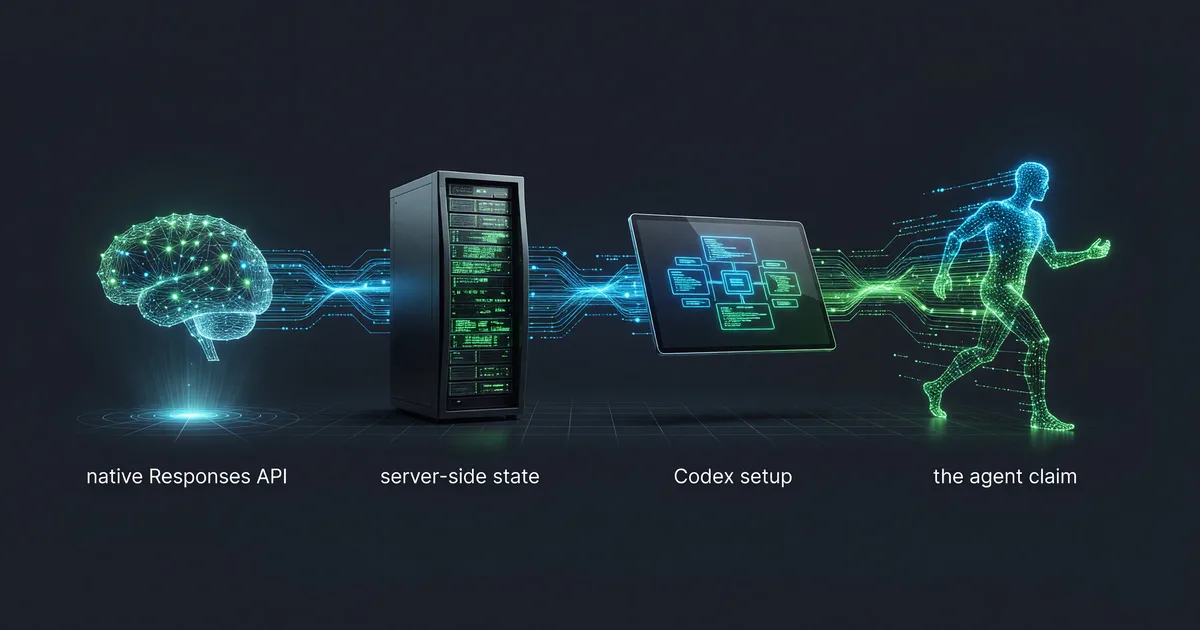
DeepSeek-V4-Flash API: Responses, Codex, Agent Setup
DeepSeek opened the V4-Flash public beta on July 31, 2026 with a native Responses API. Model ID, server-side state, Codex setup, and the agent claim.
DeepSeek-V4-Flash API: Setup, Model ID, Failure Modes
DeepSeek opened the V4-Flash API public beta on July 31, 2026. The shortest path to a working agent call, and the beta failures to plan around.