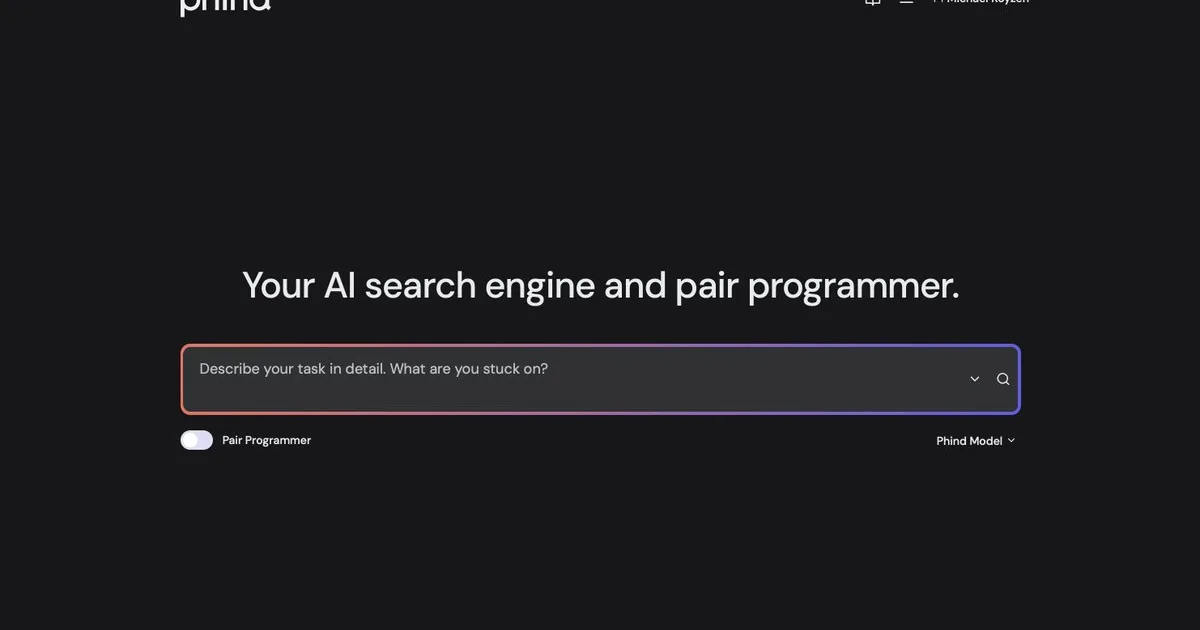
Phind
AI search engine built for developers that answers technical questions with sourced, code-rich responses and step-by-step reasoning.
Updated 2026-04-30
Yes, within limits. Phind runs a free tier with paid plans above it.
Listed pricing: Free tier + Pro subscription for advanced models.
Overview
Phind is an AI-powered search engine purpose-built for software developers. Where general-purpose AI search tools treat code questions like any other query, Phind understands programming context deeply — it parses your question, searches technical documentation, forums, and repositories, then synthesizes an answer with working code examples and links to the sources it drew from.
What sets Phind apart is how it handles the messy, multi-step problems that developers actually face. Ask it why your Docker container won't build or how to structure a GraphQL schema with nested resolvers, and it walks through the reasoning step by step, citing official docs and real-world solutions. The answers feel less like search results and more like pair-programming with a senior engineer who has read every relevant Stack Overflow thread.
The free tier is generous enough for daily use, and the Pro plan unlocks access to more capable models with higher rate limits. Phind also offers a VS Code extension that brings its search directly into the editor, letting you query without context-switching — though it's the web experience where most users spend their time.
Is Phind free?
Yes, within limits. Phind runs a free tier with paid plans above it.
What the free tier covers: Generous free tier with daily search allowance and full source citations.
Listed pricing: Free tier + Pro subscription for advanced models.
Pricing on this page has not been re-verified. The entry was last edited on , and no separate pricing check has been run since. Treat the figures as a record of what was published then and confirm on the official site.
What the free tier leaves out
Read straight off the plan list below. Vendors move features between tiers, so check the current split before you pay.
- Pro Check website for current pricing Advanced models, higher rate limits, priority access
Phind pricing
| Plan | Price | What's included |
|---|---|---|
| Free | Free | Generous daily searches, standard model access, source citations |
| Pro | Check website for current pricing | Advanced models, higher rate limits, priority access |
Generous daily searches, standard model access, source citations
Advanced models, higher rate limits, priority access
One plan carries no published number: Pro, recorded as “Check website for current pricing”. Nothing is estimated in its place. The vendor's own pricing page is the only source for those figures.
Pricing on this page has not been re-verified. The entry was last edited on , and no separate pricing check has been run since. Treat the figures as a record of what was published then and confirm on the official site.
Is Phind worth it?
Worth it for Developers who want technical questions answered with working code examples and cited sources instead of manual doc searches.
You can test that on the free tier before paying anything. The recorded trade-offs are listed below, and any one of them can settle the question on its own.
The 8.7/10 AI Score is an editorial read of published capability, price and shipping pace. Nobody here has hands-on hours with Phind. How we verify.
Worth it if
The strengths recorded against this entry.
- Answers technical questions faster than manual searching through docs and forums
- Working code examples with clear step-by-step explanations
- Source citations let you verify every answer against official documentation
- VS Code extension for in-editor search without context-switching
Not worth it if
Any one of these blocks your use case.
- Narrow focus — significantly less useful outside programming topics
- Can struggle with very niche or bleeding-edge frameworks lacking documentation
- Pro pricing details not always transparent on the website
- Occasionally surfaces outdated Stack Overflow answers as sources
What sets Phind apart
- Understands programming context and error messages, not generic queries
- Walks through multi-step technical problems with step-by-step reasoning
- Every answer cites official docs, repos, or articles for verification
- VS Code extension brings search into the editor
Key features
Developer Search
AI search tuned for programming queries. Understands technical context, frameworks, and error messages to deliver precise answers instead of generic links.
Code Examples
Generates working code snippets tailored to your question with syntax highlighting. Explains each step so you understand the solution, not just copy-paste it.
Sourced Answers
Every answer includes citations to official docs, GitHub repos, and technical articles so you can verify claims and go deeper into the source material.
How it compares
| Tool | Best for | Pricing | Score |
|---|---|---|---|
| Phind | Developers who want technical questions answered with working code examples and cited sources instead of manual doc searches. | Free tier + Pro subscription for advanced models | 8.7/10 |
| Perplexity AI vs Perplexity AI → | Knowledge workers and researchers who want cited, synthesized answers instead of a list of links to click through. | Freemium | 9.4/10 |
| NotebookLM vs NotebookLM → | people who want cited answers and Studio outputs from a specific set of sources. | Free tier; Google AI Pro $19.99/mo | 9.1/10 |
| Inkling-Small vs Inkling-Small → | — | Free — open weights download; Tinker Playground access | 8.8/10 |


Compare head-to-head
Related reading

Kimi K3.1 Pro vs Opus 5.5 on Scores and Access
Moonshot’s Kimi K3.1 Pro hits 65.7% on Terminal-Bench 4.0 against Claude Opus 5.5 at 66.4%, with live API access and open weights dated November 4.

Meta's $35B Class C Raise Buys Compute, Not Votes
Meta's October 2026 Class C equity raise funds AI data centers while preserving founder control and lifting the compute bar for smaller labs.

Brotli Unauthenticated RCE Claim, Audited
Security digests keep repeating Brotli RCE with “no account needed.” Here is what that claim measures, skips, and when it fails for your stack.
Ready to try Phind?
Head to the official site to start with Phind — pricing and plans are listed above.
Visit Phind