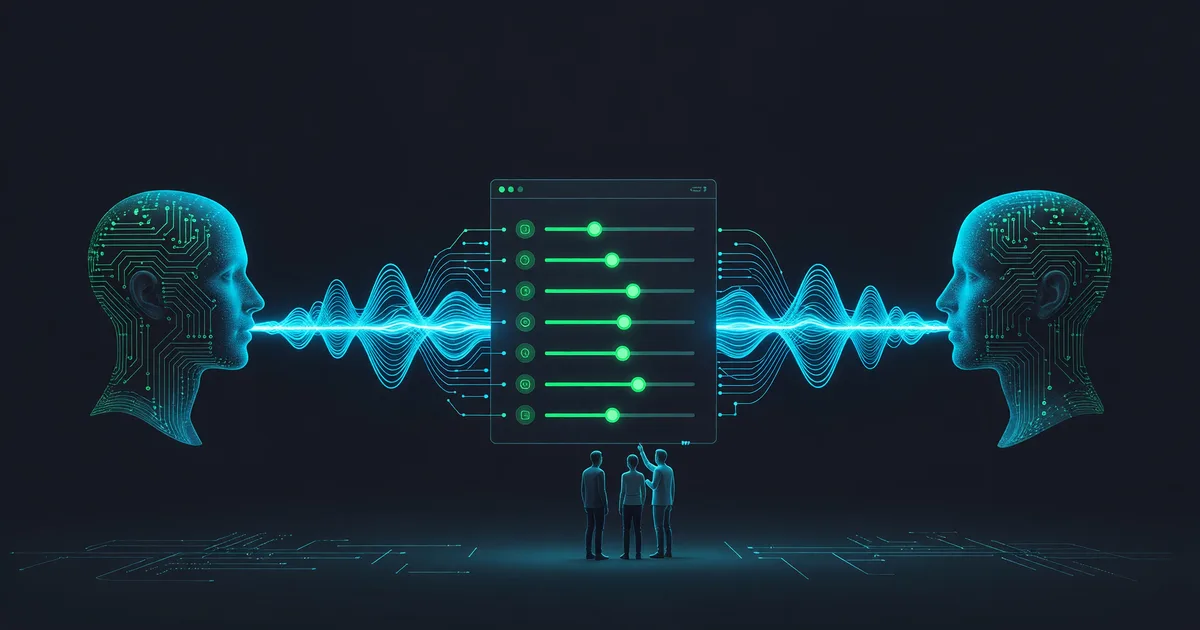
How to Clone Your Voice in ElevenLabs: A Beginner Guide
What ElevenLabs' docs actually say about instant voice cloning: the plan you need, the audio spec, the five settings, and the limits.
You have a script that keeps changing, and re-recording every fix so it matches the rest of the take is eating your week. You want a copy of your own voice that reads fresh text on demand and still sounds like you did on the day you recorded it.
Here is the route through ElevenLabs, with the parts its documentation is explicit about kept separate from the parts it is not.
Check whether your account can do this at all
Start here, because it is the step that wastes the most time. ElevenLabs has two cloning modes. Instant Voice Cloning builds a voice from a short sample and gives you, in the documentation's phrasing, "instant results that you can use immediately." Professional Voice Cloning fine-tunes a dedicated model on a far larger dataset and takes hours.
The docs describe Instant Voice Cloning as "available on most plans." They never say which ones. The pricing page is more specific and less encouraging. As listed on 26 July 2026, the Free plan covers Text to Speech, Speech to Text, Sound Effects, Voice Design, Music, Productions, Image and 3 Projects in Studio, with 10,000 credits a month. Instant Voice Cloning is not in that list. It shows up one tier higher, on Starter at $6 a month, next to the commercial license. Professional Voice Cloning is documented plainly as "available on our Creator plan or above," which the pricing page puts at $22 a month.
So if you are on a free account and the modal in step one below never offers you Instant Voice Clone, that is a tier gate rather than something you did wrong. ElevenLabs' marketing page for voice cloning is looser on this point than its own pricing table, and pricing pages move, so confirm against your account before you plan an afternoon around it.
Two more free-tier numbers to have in front of you: 10,000 characters a month, and the tier is "limited to personal, non-commercial use." Read that second one again if a client is involved.
Record the sample the way the docs ask for it
The clone is only as good as what you hand it, and ElevenLabs is unusually blunt about why: "The AI will attempt to mimic everything it hears in the audio. This includes the speed of the person talking, the inflections, the accent, tonality, breathing pattern and strength, as well as noise and mouth clicks."
The specifications the documentation actually commits to:
- Length. At least 1 minute. "Approximately 1-2 minutes of clear audio" is the recommendation. Do not push past 3 minutes, which "will yield little improvement and can, in some cases, even be detrimental to the clone."
- Number of files. Irrelevant. "The number of samples you use doesn't matter; it is the total combined length (total runtime) that is the important part."
- Format. The FAQ recommends MP3 at 192 kbps or above. The best-practices section on the same page says 128 kbps and above is advised and that "higher bitrates don't have a significant impact on the quality of the clone." Exporting at 192 clears both bars. Uncompressed WAV "will yield little to no improvement," so a giant lossless file buys you nothing here.
- Level. "Between -23 dB and -18 dB RMS with a true peak of -3 dB."
- Content. One speaker. No reverb, no artifacts, no background noise "of any kind." Consistent tone and consistent performance across the whole sample.
One line deserves a second read if you were about to buy a microphone: "When we speak of 'audio or recording quality,' we do not mean the codec, such as MP3 or WAV; we mean how the audio was captured." A quiet room outranks the file format.
Length is also not the lever people assume. ElevenLabs reports seeing "users use samples of only 30 seconds and get excellent results, while we've also seen some users use 10 minutes of audio and have worse results." And the performance you give it is the performance you get back: "If you talk in a slow, monotone voice without much emotion, that is what the AI will mimic."
Make the clone
- Open Voices. In the ElevenLabs dashboard, "select the Voices section on the left, then click the plus icon." There is no separate cloning page to hunt for. From the modal that opens, select Instant Voice Clone.
- Upload or record your audio. The docs say to follow the on-screen instructions at this point and do not document the upload dialog field by field, so expect small differences from any screenshot you find elsewhere.
- Name, label, consent. Name and label the voice, then confirm "that you have the right and consent to clone the voice." Click Save voice.
- Find it again later. Under the Voices section, click My Voices, then Use voice.
That consent checkbox is not decoration. ElevenLabs states that "all audio generated by our models can be instantly traced back to the user responsible for the generation," and points anyone unsure of the legal position at its Terms of Service and AI Safety pages. Clone your own voice, or one you have documented permission to use.
Test it before you trust it, then tune five settings
Take the new voice into the Text to Speech playground at elevenlabs.io/app/speech-synthesis/text-to-speech. Select the voice from the dropdown, paste your text, adjust the settings, generate, download. Paste something with nothing in common with your training script. Reading your own sample text back flatters a weak clone. The character cap on that paste is per model rather than one site-wide number: the docs' character-limits table gives 5,000 for Eleven v3, 10,000 for Multilingual v2 and 40,000 for Flash v2.5.
What the playground exposes, with the defaults the docs give:
- Stability (default 50) "determines how stable the voice is and the randomness between each generation." Lower means broader emotional range and more variation between takes. Higher means consistency, and past a point, flatness.
- Similarity (75 is the commonly cited setting) "dictates how closely the AI should adhere to the original voice when attempting to replicate it." The warning attached to it explains most disappointing clones: "If the original audio is of poor quality and the similarity slider is set too high, the AI may reproduce artifacts or background noise."
- Style exaggeration (default 0). ElevenLabs recommends "keeping this setting at 0 at all times." Anything higher costs latency and makes the model slightly less stable.
- Speaker boost raises similarity to the original speaker at some latency cost, with effects the docs describe as generally subtle.
- Speed runs 0.7 to 1.2, default 1.0. Extreme values degrade quality.
Speed, Similarity and Speaker Boost are not available on the Eleven v3 model. The playground offers three, and each carries its own language count in the docs: Multilingual v2 (the most stable, 29 languages), Eleven v3 (the most emotional, 70+ languages) and Flash v2.5 (ultra-low latency, 32 languages, which the docs describe as the v2 set plus Hungarian, Norwegian and Vietnamese).
The limits nobody warns you about until you hit them
You cannot export the clone. "No, you cannot export your voice clones, and they are only usable on ElevenLabs and not anywhere else." Archive your source audio, because that recording is the only portable copy of the voice you will ever have.
You cannot edit it. "There is no way to influence the accent or tone of the clone after the clone has already been created; the only way to influence it is to change the actual samples you use for cloning." Fixing a clone means building a new one.
Two clones from identical audio are not identical. "Please be aware that each clone will be slightly different, even if the same audio is used." Re-cloning to fix a small flaw is a re-roll, not a correction.
Unusual voices are the documented weak spot. Instant cloning "might have trouble with unique voices or accents," and the fix ElevenLabs names is Professional cloning, not a better slider setting.
Other languages work, with a caveat. You can clone a voice speaking "any language that is supported by the Flash v2.5 and Turbo v2.5 model." Cloning in a language the model does not support is possible and explicitly discouraged, since the result approximates your tonality while failing at the language.
When to escalate, and when to skip cloning entirely
Professional Voice Cloning is the upgrade path when Instant lands close but not close enough. It needs Creator or above, and the slot allocation is fixed: none on Free or Starter, one on Creator, Pro and legacy Scale, three on Scale and legacy Business, ten on Business, custom on Enterprise. Downgrade below Creator later and the docs say your clone "will stay in your library but you won't be able to use it until you upgrade to Creator or above."
The dataset is a different order of magnitude. "The bare minimum we recommend is 30 minutes of audio," with "closer to 2-3 hours" for the most accurate result. There is a verification step, and the guidance for it is to use "the same or similar equipment used to record the samples and in a tone and delivery that is similar to those present in the samples." Fail it and you can retry after 24 hours. Fine-tuning "usually" takes 3 to 6 hours and can stretch toward 24 depending on the queue. Use the voice before that completes and you get "No model found for this voice. Please select another voice," which is a status report rather than a broken clone. Track progress in My Voices by clicking View and hovering over a model.
Now the argument against the whole procedure. Cloning earns its setup when one voice has to keep saying new things: a course you revise every quarter, product narration that changes each release, a podcast you patch after the fact. For audio that ships once and never changes, the setup costs more than it saves. Record the thirty seconds yourself and move on.
It is also the wrong reach when you want a performance rather than a read. A clone holds your timbre and narrates cleanly. It will not land a joke on the exact beat or carry an audiobook character through an emotional swing. And for a great many jobs the voice only needs to be clear and pleasant rather than specifically yours, which is what the 3,000-plus voices in the ElevenLabs Voice Library are for. Free accounts already have those.
Keep reading
How to Write With AI Without Sounding Like a Robot
Learn how to write with AI without sounding robotic. Master prompt engineering, the write-then-edit approach, voice preservation techniques, and tools like…
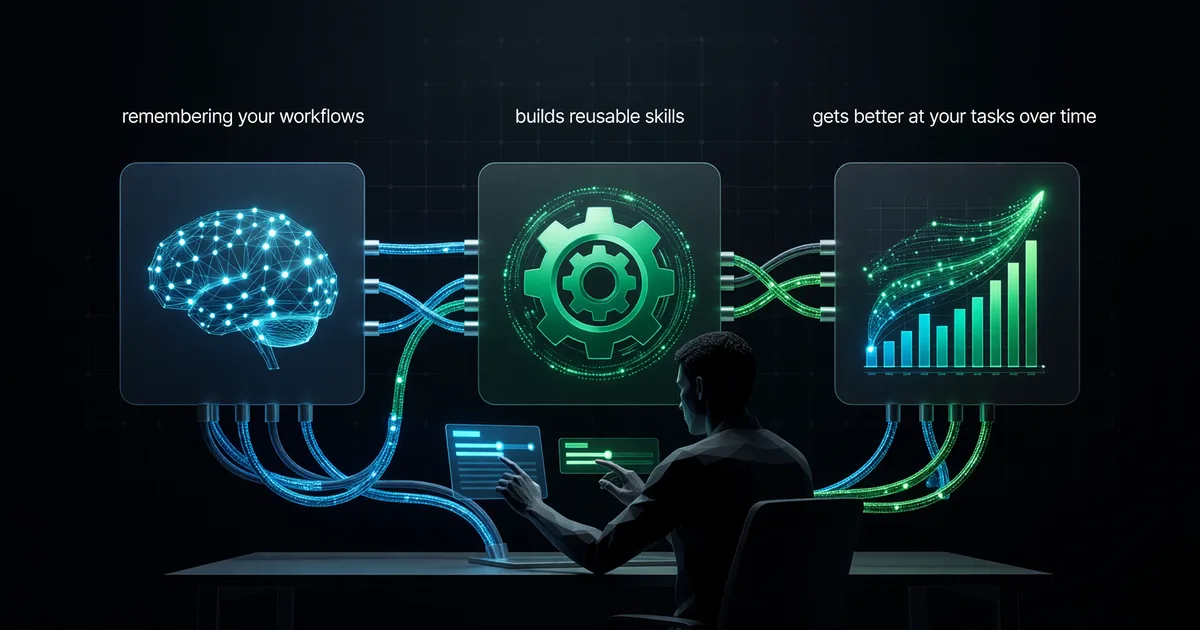
Hermes Agent Tutorial: Self-Improving AI Setup
Install and configure Hermes Agent so it remembers your workflows, builds reusable skills, and gets better at your tasks over time.
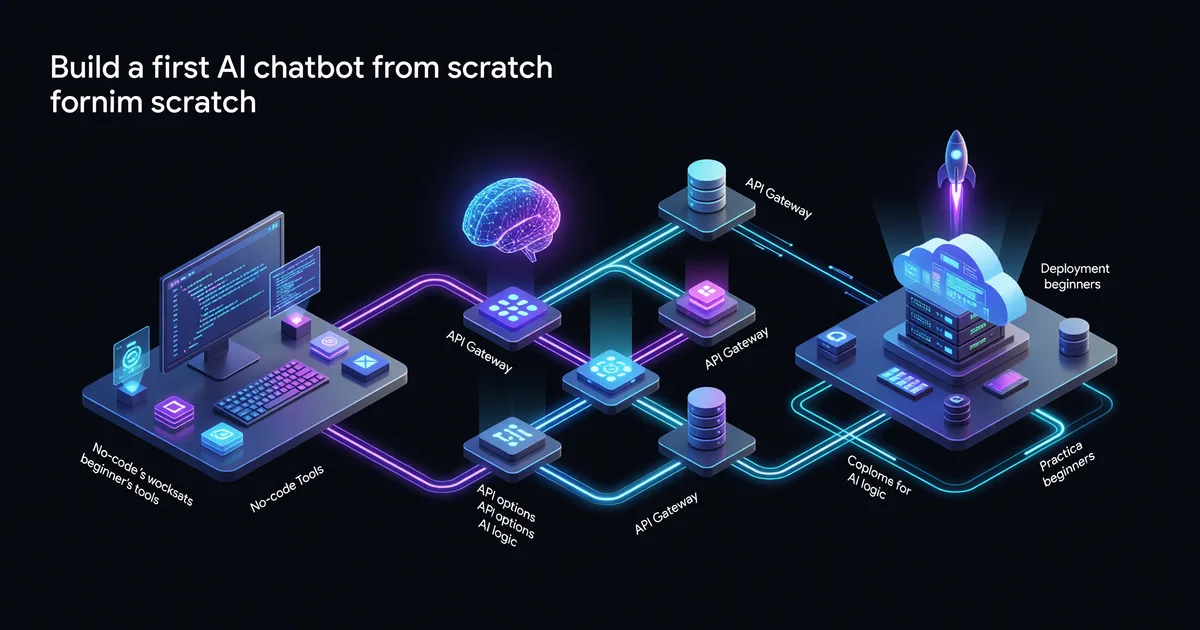
How to Build Your First AI Chatbot: A Beginner Guide
Build your first AI chatbot from scratch — no PhD required. This practical guide covers no-code tools, API options, and deployment for beginners.