
PHP2Shell Checker: How to Check Your Site
Run the php2shell-checker with Node or Codex skills, read exit codes 0/1/3, and know when hidden PHP headers make the scan useless.
Your PHP site might still be on a build exposed to the critical RCE flaws, and you need a clear OK or VULNERABLE signal from the version that is actually serving traffic.
OpenAI published php2shell-checker on GitHub on October 21, 2026, next to emergency PHP patches for CVE-2026-109618 and CVE-2026-109619. Coverage also appeared on php2shell.app and PHP news outlets. Clone the repo, run one Node invocation (or a Codex skill), and treat the exit code as the answer. That is the whole usable path.
php2shell-checker commands
The project README titles the tool a PHP Version Checker. It compares the version exposed by HTTP headers or by php -v against an embedded cutoff per major/minor branch. It only evaluates versions from those surfaces, reading X-Powered-By and Server.
Two install routes ship in the same repository.
- Codex skills (when you already live in the agent). Ask Codex:
$skill-installer install both skills from https://github.com/openai/php2shell-checker. With only a public URL, run$phpcheck-url check https://example.com. With shell access on the box that serves PHP, run$phpcheck-server check the PHP version serving my site. - Direct Node CLI (when you already have Node). From the cloned repo, check a site with
node phpcheck.js "https://example.com". Check the local CLI binary withnode phpcheck.js --local. Add--jsonwhen a script needspatch_statusasok,vulnerable, orunknown.
Read the exit code before you argue with the printed label:
| Result | Exit code | Meaning (per the README) |
|---|---|---|
| OK | 0 | Stable PHP patch version above the embedded cutoff for a listed major/minor branch. |
| VULNERABLE | 1 | PHP version at or below the embedded cutoff for that branch. |
| UNKNOWN | 3 | No PHP version or response, unrecognized version/branch, or a newer prerelease build. |
Invalid arguments exit with code 2. If you want a smoke test of the CLI itself, the repo ships node --test phpcheck.test.js, which hits local HTTP servers and a fake PHP executable and does not require a real PHP install or an external website.
On VULNERABLE, stop treating the checker as interesting and move to patching. Match the reported major/minor against the official PHP security release for those CVEs, then upgrade the package your host actually runs (OS package, container image, or managed runtime). The README is explicit that OK is a version comparison, not an independent proof that a security fix is present, so after you upgrade, re-run the same command and confirm exit code 0 only as a secondary signal.
Failure modes
UNKNOWN on a site you know runs PHP. The checker only reads versions from HTTP response headers or from php -v. It inspects X-Powered-By and Server, sends HEAD, and falls back to GET only when HEAD returns 405 or 501. It does not follow redirects and it does not inspect response bodies. Missing or rewritten PHP headers produce UNKNOWN. That result does not mean the target is patched. The README states that flatly.
UNKNOWN does not mean the target is patched!
OK while a backport still matters. Distribution packages sometimes ship a fixed build without bumping the upstream version string the checker compares. Headers can also be forged or stripped by a CDN. An OK exit code under those conditions is a weak green light. Cross-check the installed package version with your host’s inventory against the official PHP security release, not against the banner alone.
Wrong binary on --local. node phpcheck.js --local grades whatever php is first on PATH. Confirm that binary is the one you intend to audit before treating the exit code as decisive for the site. Prefer the URL check against the public hostname when the question is “what does the internet hit,” and use --local only when that PATH binary is the serving install.
Redirects. The checker does not follow redirects. Point the argument at the origin that returns the PHP headers you want graded, or the headers it reads may not be the ones you meant to check.
Prerelease and unrecognized branches. Newer prerelease builds and unlisted branches map to UNKNOWN (exit 3). Do not coerce that into OK. Pin to a listed stable patched release from PHP’s security advisory instead.
Wrong-tool cases
Skip this procedure when your edge already hides PHP version headers and you already have an authoritative package list from the control panel, SSH inventory, or image SBOM. In that case the checker will mostly print UNKNOWN, and the useful work is comparing those package versions to the PHP security release for CVE-2026-109618 and CVE-2026-109619, then shipping the emergency update.
Skip it when you need proof that a custom patch or vendor backport is present inside a build whose version string never changed. The tool assumes later stable patches in each listed branch contain the fix. It does not independently verify a security fix.
Skip it when the question is exploitability of a specific endpoint rather than version exposure. The checker only evaluates versions exposed in HTTP response headers or by php -v. It does not follow redirects or inspect response bodies. It grades a version string.
Keep reading
ChatGPT Slider and Think Button: How to Use Both
OpenAI put reasoning depth under your control in ChatGPT. Which tier gets which control, which setting fits which task, and when to leave both alone.
DeepSeek-V4-Flash API: Responses, Codex, Agent Setup
DeepSeek opened the V4-Flash public beta on July 31, 2026 with a native Responses API. Model ID, server-side state, Codex setup, and the agent claim.
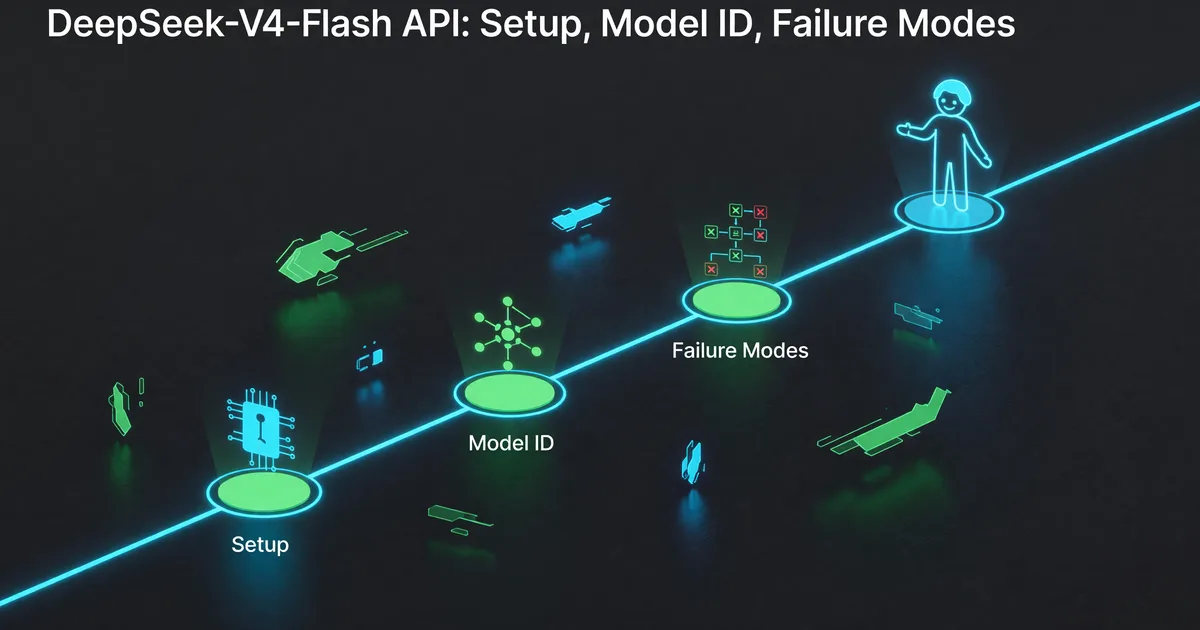
DeepSeek-V4-Flash API: Setup, Model ID, Failure Modes
DeepSeek opened the V4-Flash API public beta on July 31, 2026. The shortest path to a working agent call, and the beta failures to plan around.